You are here

DAW Software

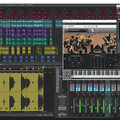
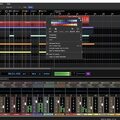
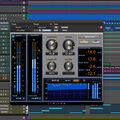
A DAW, which stands for Digital Audio Workstation, is a software tool that enables users to capture, modify, and create audio content. It is utilised in various contexts such as music production, sound design, game audio, film and TV post-production, and podcasting.

Primary uses of a DAW

The primary purposes of contemporary Digital Audio Workstation software comprise: 

Recording: All DAWs enable users to capture audio from different sources like microphones, instruments, and MIDI controllers using an Audio Interface connected to the computer.

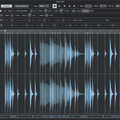
Editing:  DAWs enable users to cut, copy, paste, and rearrange sections of audio files. They also provide a range of tools for improving the quality of audio, including noise reduction, EQ, and compression.

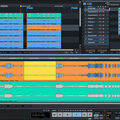
Mixing: Digital Audio Workstations enable users to blend various audio tracks, modifying volumes, positioning, and adding effects to produce a unified end result.

Mastering: Digital Audio Workstations (DAWs) provide features like loudness normalisation and EQ adjustments to ensure the final audio meets industry standards.

Advantages of utilising a Digital Audio Workstation

Efficiency: DAWs enable users to efficiently record, edit, and produce audio with ease, cutting down on time and effort when compared to traditional analogue techniques.

Flexibility: DAWs offer a wide range of tools and features that allow users to customise their audio production process and achieve the desired results.

Collaboration: Numerous DAWs provide tools that enable users to work together and collaborate on projects from different locations, simplifying the process of collaborating on audio projects such as podcasts and song creation.

Portability: Digital Audio Workstations are compatible with different devices such as desktop computers (Mac/PC) , laptops and tablets, allowing users to work on audio projects conveniently from any location.

There are many popular software DAWs, some of which come built into the Operating System of your favourite computer, such as Apple GarageBand on Macs. Sound On Sound regularly covers all the top brands in its monthly DAW Masterclasses. From Steinberg Cubase and Avid Pro Tools, PreSonus Studio One and Apple Logic Pro, MOTU Digital Performer to Ableton Live, Reason Studios Reason and Cockos Reaper, you'll find how-to techniques and tips for all of these and other DAWs collected under the sections shown above.

  • link

    Reason 6

    Reason Tips & Techniques

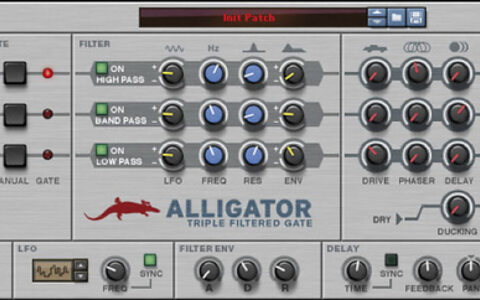
    Version 6 is a new dawn for Reason users. This month, we offer some essential techniques for getting up to speed with it.

    Techniques Oct 2011
  • link

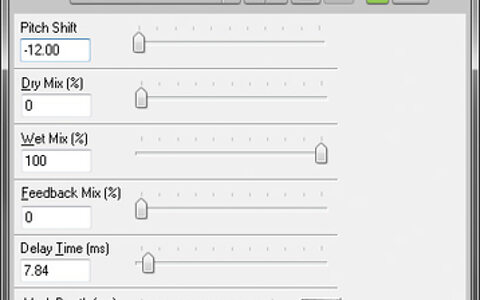
    Pitch Transposition In Sonar X1

    Sonar Notes

    Understand the pitch-changing options in Sonar X1 for better results with your audio.

    Techniques Oct 2011
  • link

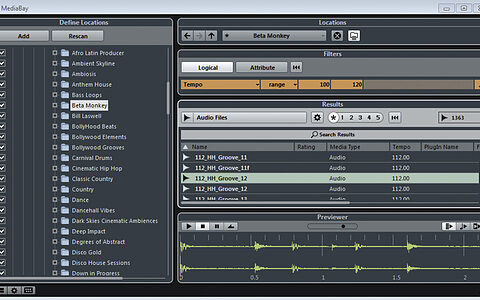
    Liven Up Your Drum Loops, Part 1

    Cubase Tips & Techniques

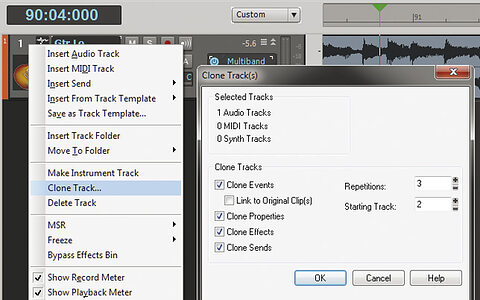
    If you want to breathe new life into your drum loop library, Cubase has the tools. You just need the know-how! • Read Part 2 • Read Part 3

    Techniques Sep 2011
  • link

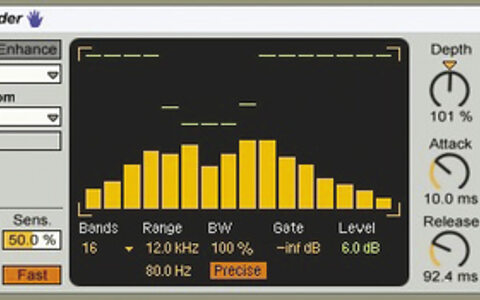
    Versatile Vocoding

    Ableton Live Tips & Techniques

    There’s more to Live’s Vocoder than meets the ear: it can generate all manner of unexpected effects.

    Techniques Sep 2011
  • link

    Vector Objective

    Logic Tips & Techniques

    From wave sequencing to gated pads and basses — it can all be done with Logic’s ES2 synth!

    Techniques Sep 2011
  • link

    Vector Objective | Media

    Apple Logic Tips & Techniques

    Audio files to accompany the article.

    Techniques Sep 2011
  • link

    Cloud Service Backup

    Pro Tools Tips & Techniques

    The ‘cloud’ is great for backing up Pro Tools projects — if you know what to upload. We look at a service that can do it automatically.

    Techniques Sep 2011
  • link

    Mixer Magic

    Reaper Notes

    Avoid information overload with these advanced techniques for using Reaper’s mixer.

    Techniques Sep 2011
  • link

    Reason 6

    Reason Notes

    Reason 6 is probably the biggest update in the program’s history. We give you the lowdown...

    Techniques Sep 2011
  • link

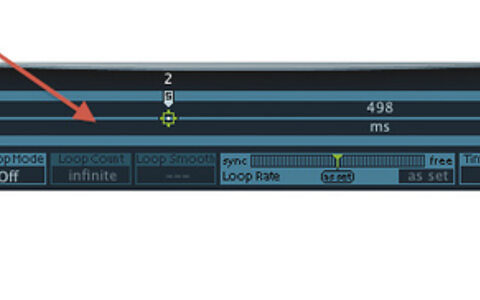
    Stretch Drum Loops Smoothly

    Sonar X1

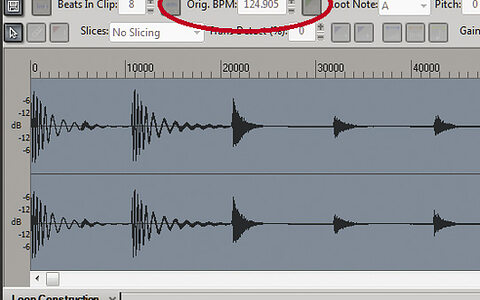
    Use Sonar X1 to slow down your drum loops drastically — and retain fidelity!

    Techniques Sep 2011
  • link

    Adobe Audition CS5.5

    Post-production DAW & Wave Editor

    Adobe’s audio editing package has been fully rewritten, ported to Mac OS and integrated into their Creative Suite. Does it have everything you need for audio post‑production?

    Reviews Aug 2011
  • link

    Vocal Comping

    Cubase Tips & Techniques

    Comping the perfect vocal from multiple takes is a common editing task — and Cubase 6 makes it easier than ever.

    Techniques Aug 2011
  • link

    Resonant Frequencies

    Ableton Live Tips & Techniques

    There’s more to Live’s Resonators effect than you might think...

    Techniques Aug 2011
  • link

    Pitch Correction & Granular Synthesis

    Logic Tips & Techniques

    If Logic’s built-in pitch-correction doesn’t cut it for you, try this trick...

    Techniques Aug 2011
  • link

    Creative Mix Automation In Your DAW

    Tips & Techniques

    The automation features in modern DAWs go much further than simply recalling your fader moves. Learn how to use them to full effect and they open up new mixing possibilities.

    Techniques Aug 2011
  • link

    Snapshots SWS Extensions Mixing

    Reaper Tips & Techniques

    The Snapshots feature in the donationware SWS Extensions adds simple and very useful mix functionality to Reaper.

    Techniques Aug 2011
  • link

    Snapshots SWS Extensions Mixing | Media

    Cockos Reaper Tips & Techniques

    Audio files to accompany the article.

    Techniques Aug 2011
  • link

    Multi-band Processing & Distortion

    Sonar Tips & Techniques

    Multi-band processing in Sonar needn’t stop at compression: using the same approach on distortion is easy and effective.

    Techniques Aug 2011
  • link

    Studio One: Browser, Sound Sets, Pool

    Studio One Tips & Techniques

    In our second look at Studio One’s Browser, we’ll be creating Sound Sets and dipping our toes in the Pool.

    Techniques Aug 2011
  • link

    iLok Dongle

    Pro Tools Tips & Techniques

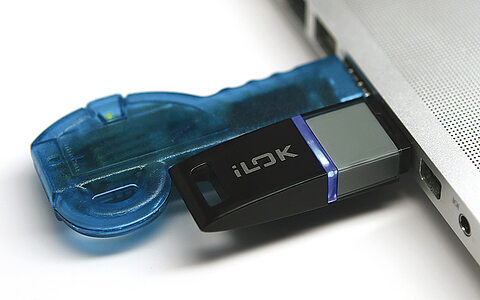
    The iLok dongle is more important to Pro Tools users than ever. So should existing users make the move to the new version, and how do new users get started?

    Techniques Aug 2011
  • link

    Missing DAW Features: Track Folders, Fader & Mix Groups, Markers, Track Freezing

    Reason/Record Tips & Techniques

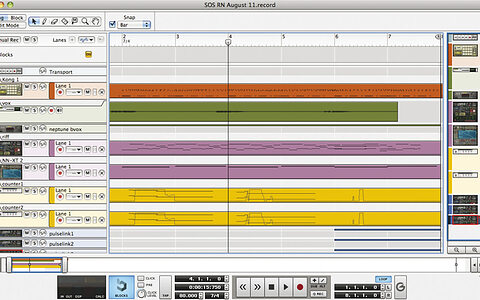
    We work around the missing DAW features in Reason and Record.

    Techniques Aug 2011

Pages

Subscribe to RSS - DAW Software