
Audio Editing Secrets In Digital Performer 5
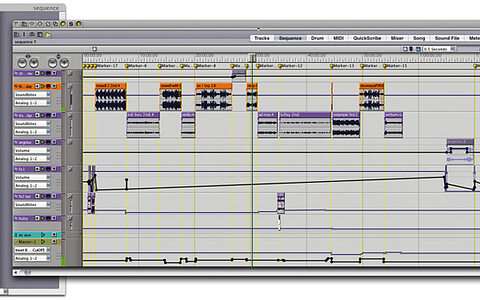
You'll soon be wondering how you ever managed without the audio editing tricks and shortcuts offered by this month's essential DP workshop.

You'll soon be wondering how you ever managed without the audio editing tricks and shortcuts offered by this month's essential DP workshop.

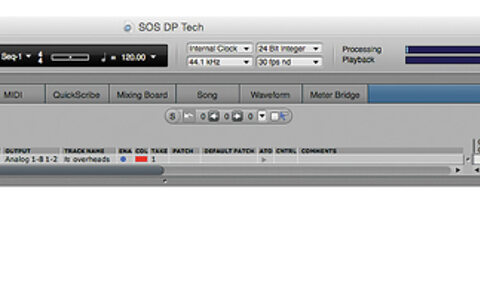
We update you on changes to new Macs' built-in audio hardware, then take a look at how Bundles can help users of older and current Macs alike to easily reconfigure their audio I/O.

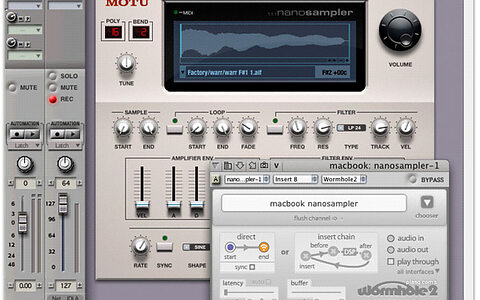
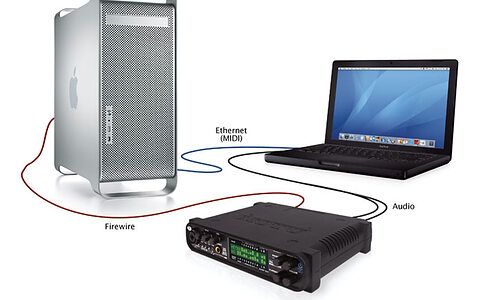
Unlike Logic, DP doesn't have any sort of distributed processing scheme, but by using additional Macs in your DP setup, with a network connection between them, you can achieve a similar result. Here's how it's done.

When screen space is at a premium, it’s time to customise Digital Performer’s user interface.


Last month, we looked at OS X's Network MIDI capabilities and how they get along with DP. This time, we go further into the brave new world that is network audio and remote access. Prepare to give your network connection a workout...

If you're serious about digital audio you need to know about dither — both what it is and when to use it. So here it is: the SOS Digital Performer dither primer.

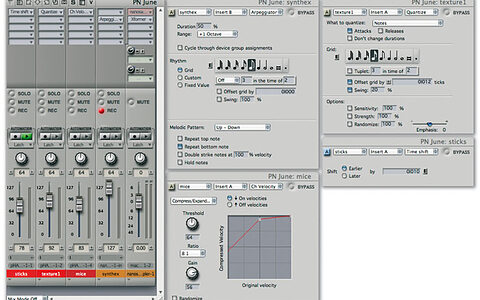
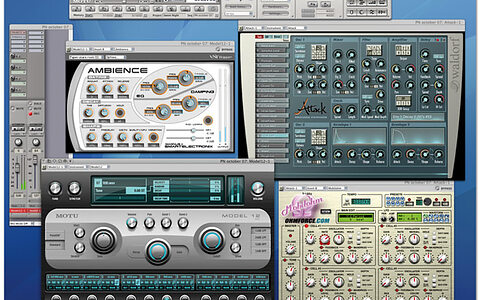
MIDI plug-ins are often overlooked, regarded perhaps as the poor relations of the more glamorous audio type, but they can give you real power-user status if you take the trouble to investigate their capabilities.

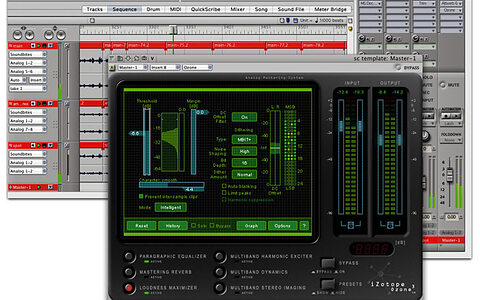
Adding a master fader to Digital Performer’s Mixing Board makes many mixing and mastering tasks easier.

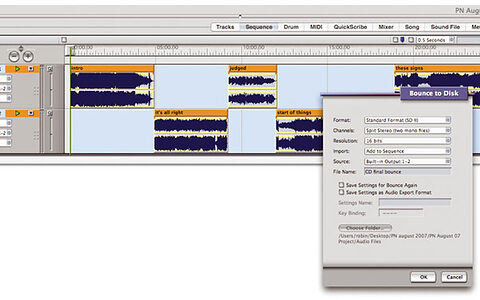
This month, a look at how some of DP's features can be used to co-ordinate multiple finished tracks prior to burning an album or EP.