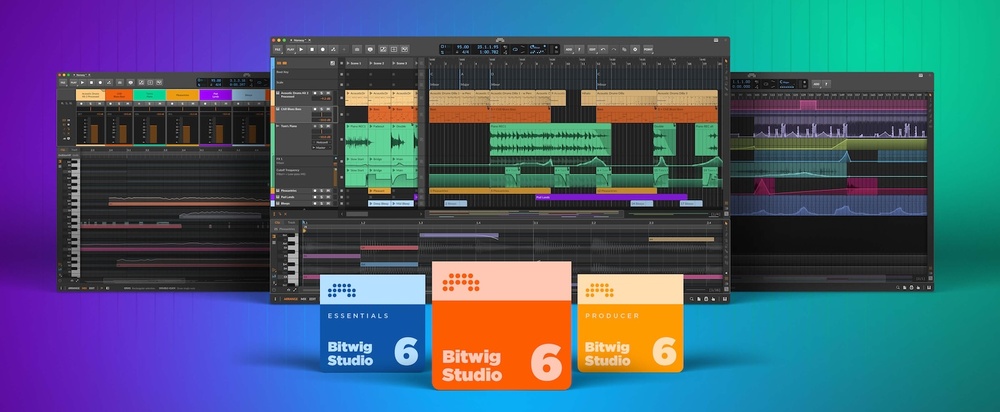
Bitwig have announced that the latest version of their DAW software has now entered the public beta phase, and is available for all existing users with an active Upgrade Plan. Bitwig Studio 6 promises to represent a significant step forward for the DAW, introducing a range of new tools and functions while improving and expanding on its existing features.
Automation Editing & Clips
Bitwig Studio 6 brings with it some significant changes to the automation system, as well as introducing an Automation Clips feature based on the software’s existing Audio and Notes Clip functions. There are two new ways to access automation curves: an Automation Mode, which overlays every track with the automation data for the last touched parameter; and a new Detail Editor Panel. Editing itself sees significant improvements, too, with improved gestures and automation behaviours making it more intuitive to create and edit curves.
The new Automation Clips function then works in the same way as the software’s Audio and Notes Clips, allowing additional segments of automation to be applied to tracks alongside the traditional automation lanes. There’s also a new Clip Alias system that applies to Automation, Audio and Notes Clips, which allows Clips to be dragged onto a different track, and subsequently reflect any changes that are made to the original Clip.
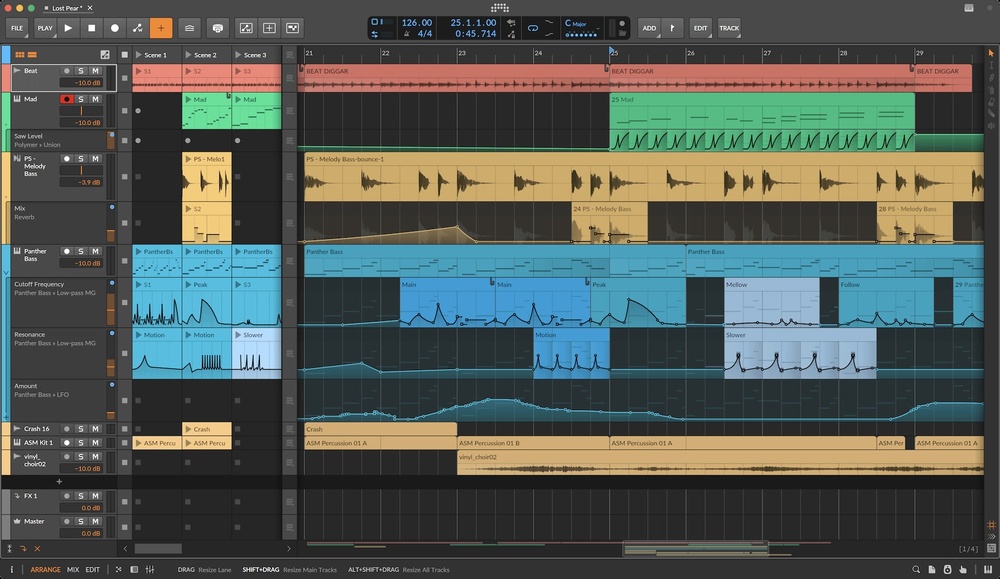 Bitwig Studio 6 introduces an new Automation Clips function that's based on the DAW's existing Audio and Notes Clips.
GUI Changes
Along with its new features, Bitwig Studio has been treated to some visual updates that aim to make the interface more intuitive to navigate, as well as making it easier for users to customise the software to their specific needs. Here’s a quick overview of what’s been changed:
- The editing tools are now laid out as a palette on the right side of the interface for easy access.
- Grid appearance can be adjusted from each editor via the Editor Settings menu in the bottom-right corner.
- Right-clicking at the top of the Bitwig window gives access to some project-wide visual controls.
- Track headers are now more dynamic when resized: they can shrink down small, and will offer more controls when space is available.
- The new Arranger Auto Zoom option makes a selected track or lane larger while everything else stays in place.
- The Clip Launcher now visualises the clip position and loop count for each track.
- Clips in the Arranger allow you to see the beat grid lines behind them.
Other Improvements
The update also brings with it a whole host of other enhancements and improvements, including:
- In addition to the Spray Can , which creates a row of notes at the current beat interval, a new Audition tool makes it possible to directly preview any track or clip.
- When working with notes, there is now a Step Input tool for quick, intuitive entry — with multi-note input.
- Whether drawing notes or clips, the Pencil and Spray Can tools show a helpful preview before clicking.
- The Piano Roll editor can show the traditional Piano Pattern in the background, or the new Adapt to Key , which uses coloured lanes for in-key notes and dark lanes for 'out' notes.
- There are four new Grid modules for working with pitch and key, three of which — Scale, Scale Steps and Root Key — use the current global key signature.
- A new safety feature brings peace of mind when trying out new versions of Bitwig. When you open a project made in a previous version of the software, a permanent backup of the original project file will be saved, with the version number noted in the name.
Availability
The beta version of Bitwig Studio 6 is available now, for free, to all Bitwig Studio, Producer and Essentials users with an active Upgrade Plan. a full release is planned for Autumn 2025.