

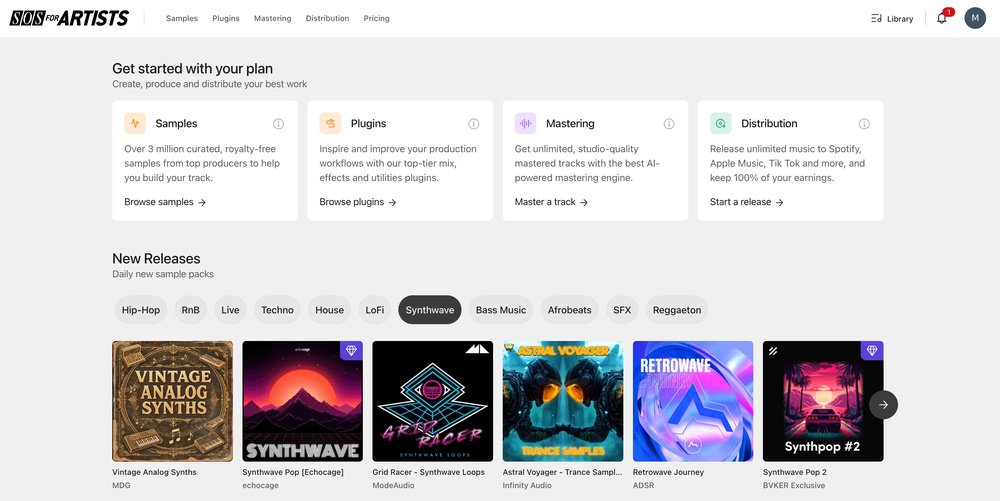
 You can now create an SOSFA account without paying to subscribe, and can start exploring the content and features found in the four main tabs.
You can now explore SOS For Artists with a free trial!
When we first launched SOS For Artists (SOSFA), it wasn’t all that easy to try before you buy. Now, thankfully, you have a number of options. Not only do we have two subscription tiers available — Essentials and Pro (of which more another time) — but so that you can get a good taste of what’s possible before you commit to a sub, you can now sign up to a free version of SOSFA, and test‑drive a more feature‑rich seven‑day trial version. Obviously there are plenty of features you can only find in the main subs — we couldn’t give away everyone’s plug‑ins for free forever, for example! — but you should find that there’s more than enough in the free and trial versions to allow you to experiment with ideas, plan projects and generally get a feel for whether our platform is a good fit for you. In this article, we’ll explore this free version in more detail, as well as running through the added extras in the seven‑day trial.
Exploring The Free Version
In case you’re completely new to this, creating an SOSFA account is really straightforward: just provide an email address and password, and you can then immediately access the dashboard. The GUI is pretty clean and we hope you’ll find it intuitively organised! At the top are four main tabs: Samples, Plugins, Mastering and Distribution. Clicking on a tab takes you to a brief overview of what you can do, and even the free version of SOSFA allows for meaningful exploration of what’s on offer. Even if you’re just starting out, you should find it easy enough to navigate that you can jump straight into previewing loops, structuring tracks and planning a release, all from this single interface.
The Samples tab is where many people’s creative journey will start. Here, you can not only browse thousands of loops and one‑shots, but also audition them directly in the browser and, better still, test combinations of them using the built‑in eight‑track Creator. This offers an interface and engine that allow you to layer multiple samples, adjust them in volume and experiment with arrangements. Plus, you can save favourites to folders so you can revisit them later. Even though there are some limitations compared with the paid subs, this tab is invaluable for testing ideas and building future projects. You can quickly audition combinations and find inspiration for beats, harmonies or textures. SOSFA offers a wide breadth of options, but with the added advantage of dropping these sounds into the Creator section, so that you can audition samples together without needing to export them elsewhere.
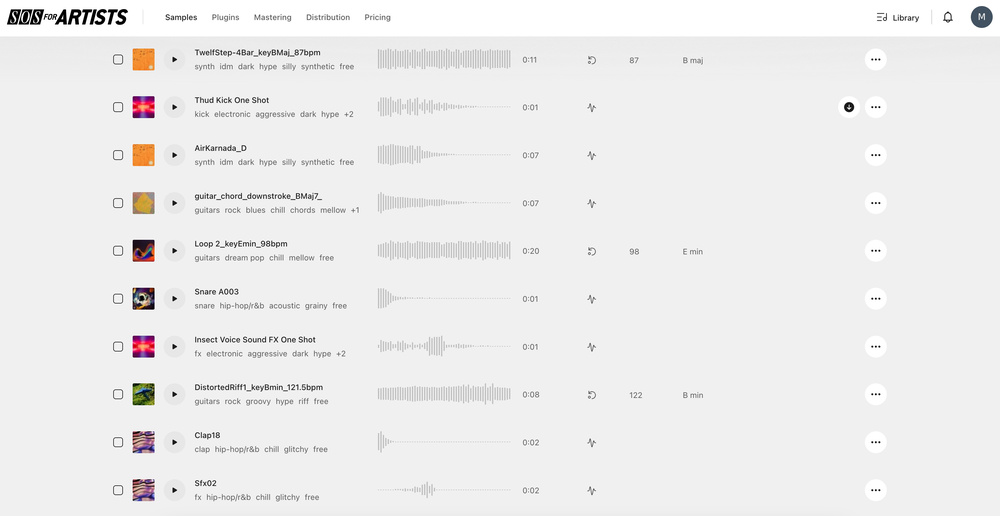 In the free version’s Samples tab, you can search for and audition lots of samples spanning a huge range of genres.
The Plugins tab gives an overview of more than 40 professional tools that are compatible with all the major DAWs. So that you can gain insights into how a plug‑in might (or might not!) enhance your setup or workflow before installing it, you can view specifications, explore features and watch demonstration videos, all without leaving SOSFA and having to trawl the Web. Obviously, the plug‑in licences themselves aren’t included in the free version but you can test quite a number of them in the seven‑day trial (more on that later), and the demos and documentation should give you enough information to plan your projects and understand how each tool could be applied in your productions.
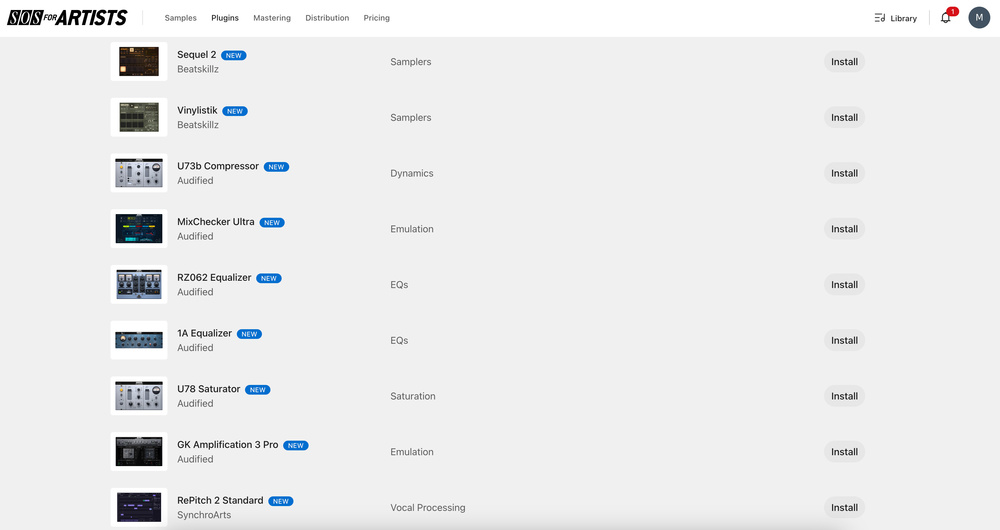 A few of the high-quality plug-ins available on the Plugins tab within SOS FOR ARTISTS.
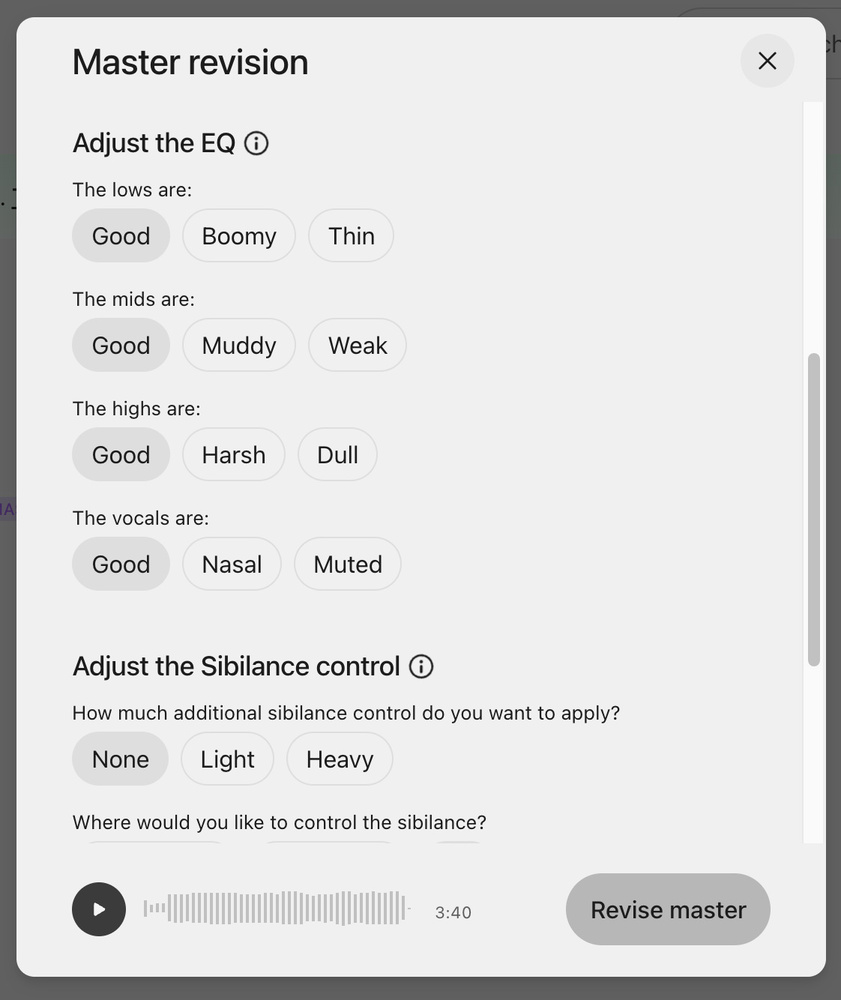 SOS For Artists: Mastering tab settings.In the Mastering tab, you gain some access to the LANDR automated mastering service. Here, you can upload tracks and experiment with different mastering presets. The free version lets you hear how your track would sound after mastering, to give you a sense of the sort of polish that you might achieve on a track before you commit financially. Downloads are limited, and you’d need to subscribe before you could export the results as high‑quality files. But even as it stands, this free version could be a useful preview tool — hearing a mastered version of a track can often highlight potential areas for improvement that had escaped your attention when mixing, particularly in terms of balance, EQ and dynamics.
The Distribution tab allows you to start building a release by uploading audio, adding artwork and filling in metadata. While you can’t distribute tracks without a paid subscription, this feature is excellent for planning. By preparing everything in advance, you can streamline the process for when you decide to go live.
This preparation step is a subtle but valuable feature, allowing musicians to organise releases, catalogue their work and familiarise themselves with the data entry process. Even in a free account, SOS For Artists encourages structured planning from the very start.
Testing The Seven‑Day Trial
Once you’ve had a nose around the SOSFA free account, and are ready to dive in a little deeper, you can sign up for the seven‑day trial. This unlocks more access to the Essentials or Pro plan, so you can develop a greater understanding of how well our platform might work for you. In order to activate the plan, you will need to add payment card details — but you don’t pay up front, and you can cancel before the trial expires should you wish.
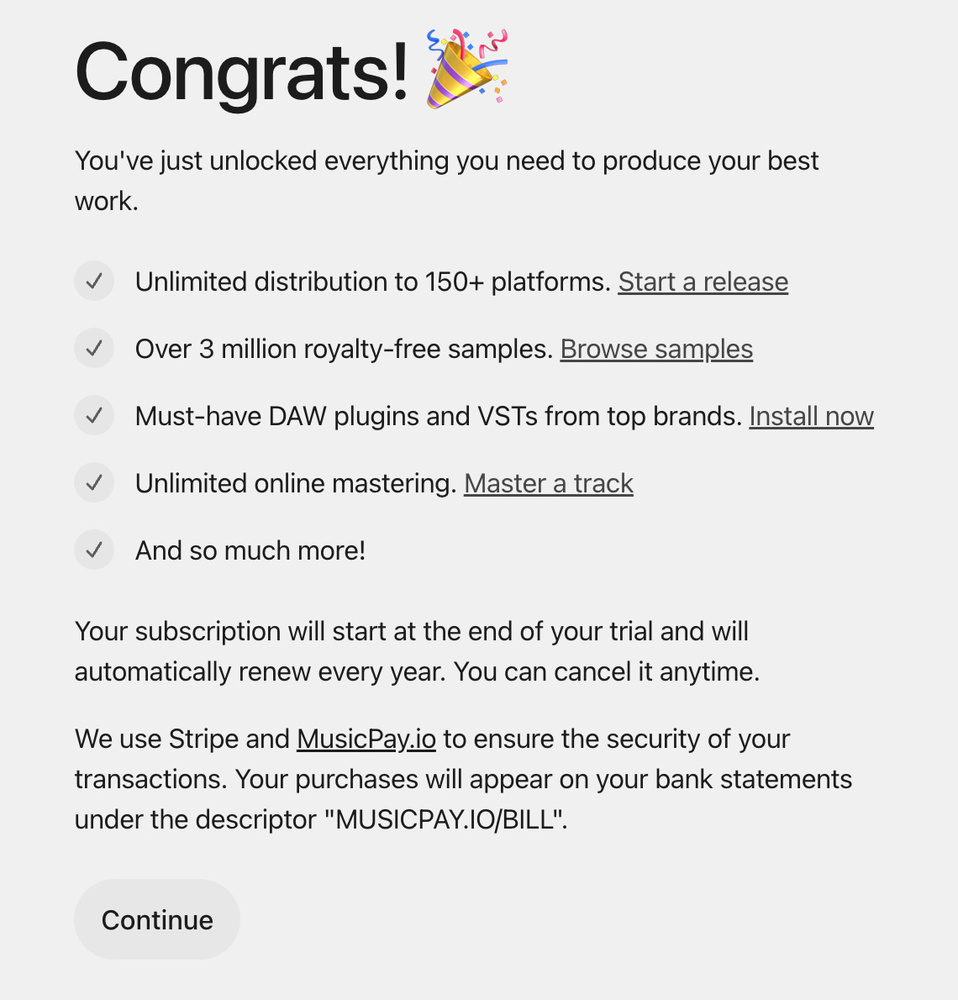 The seven‑day trial gives you access not only to more features, but also evaluation versions of various plug‑ins.
Once signed up, there are still some limitations, but you can dig into each of the sections more deeply and play with more of the tools.
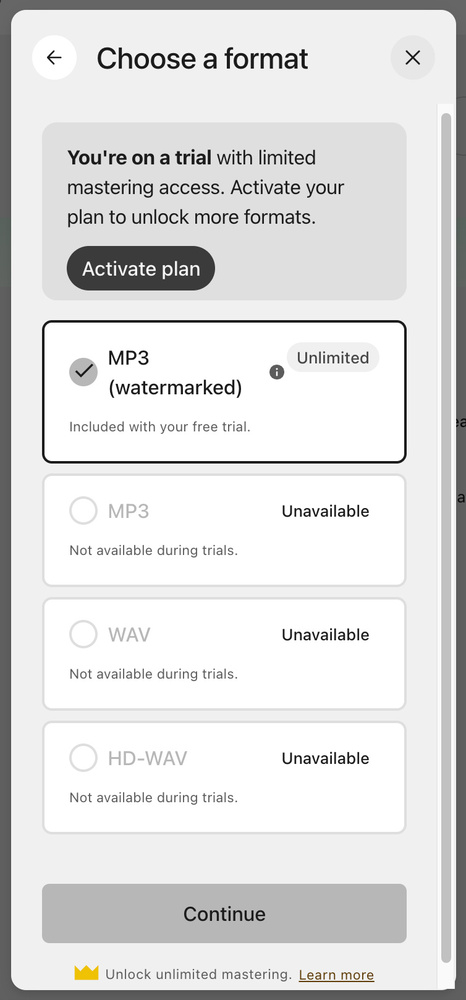 The trial also extends the options available in the online mastering service, including the ability to render a watermarked MP3 version to play on other systems.Starting in the Samples tab again, you can open up the search bar and type in “free”. You’ll be able to browse and download a range of samples to try out in your first project, from 166 tabs of one‑shots and loops, including synth pads, guitars, synths, percussion and more. There’s plenty here to suit all sorts of genres. In the Plugins tab, you can download, install and try out 22 of the available plug‑ins for the duration of the trial. The choices include Synchro Arts’ RePitch 2 Standard and VocAlign 6 Pro, LANDR Stems, and a range of Audified’s plug‑ins including MixChecker. Also included in this trial version is LANDR’s sampler, which is a great way to organise and make good use of any samples you may have downloaded from the previous tab.
In the Mastering tab, you now have the option of downloading an unlimited number of watermarked MP3 versions of your tracks — this means you can test them in various settings, for example putting them in playlists alongside commercial tracks, which again can be a great way to get a new perspective on your mix, or get feedback from bandmates and so on.
Some other features in this tab let you revise your master before downloading too. For example, having heard the automated result, you can adjust the EQ settings, widen or narrow the stereo field and introduce some sibilance control if needed. This trial version gives you 4GB of storage (there’s a whopping 2TB on the full plan, once the trial has ended), so you have plenty of room to run a few tests and finalise your mixes before committing.
Once your masters are finalised, you can even set a release in motion as we described in much more detail last month — the option to fully release your tracks is included in the trial!
Free & Trial Versions’ Key Features
The new free version of SOS For Artists has some limitations compared with a subscription, but it still offers lots of tangible benefits:
- You can experiment with loops and sound design for free.
- Plug‑in demos can help you understand their potential in your projects.
- You can hear mastered versions of your tracks, and glean insights into your mixes.
- You can prepare your release metadata and artwork before subscribing.
If you want more than that but aren’t yet ready to commit to a sub, you can check out the trial version. This lasts seven days, and offers deeper access to the platform’s features; with included samples, trial plug‑ins and the option to release your tracks, you have the tools you need to get your first track created and launched.