You are here

DAW Software

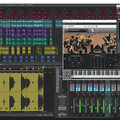
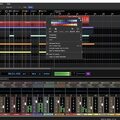
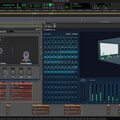
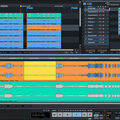
A DAW, which stands for Digital Audio Workstation, is a software tool that enables users to capture, modify, and create audio content. It is utilised in various contexts such as music production, sound design, game audio, film and TV post-production, and podcasting.

Primary uses of a DAW

The primary purposes of contemporary Digital Audio Workstation software comprise: 

Recording: All DAWs enable users to capture audio from different sources like microphones, instruments, and MIDI controllers using an Audio Interface connected to the computer.

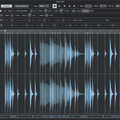
Editing:  DAWs enable users to cut, copy, paste, and rearrange sections of audio files. They also provide a range of tools for improving the quality of audio, including noise reduction, EQ, and compression.

Mixing: Digital Audio Workstations enable users to blend various audio tracks, modifying volumes, positioning, and adding effects to produce a unified end result.

Mastering: Digital Audio Workstations (DAWs) provide features like loudness normalisation and EQ adjustments to ensure the final audio meets industry standards.

Advantages of utilising a Digital Audio Workstation

Efficiency: DAWs enable users to efficiently record, edit, and produce audio with ease, cutting down on time and effort when compared to traditional analogue techniques.

Flexibility: DAWs offer a wide range of tools and features that allow users to customise their audio production process and achieve the desired results.

Collaboration: Numerous DAWs provide tools that enable users to work together and collaborate on projects from different locations, simplifying the process of collaborating on audio projects such as podcasts and song creation.

Portability: Digital Audio Workstations are compatible with different devices such as desktop computers (Mac/PC) , laptops and tablets, allowing users to work on audio projects conveniently from any location.

There are many popular software DAWs, some of which come built into the Operating System of your favourite computer, such as Apple GarageBand on Macs. Sound On Sound regularly covers all the top brands in its monthly DAW Masterclasses. From Steinberg Cubase and Avid Pro Tools, PreSonus Studio One and Apple Logic Pro, MOTU Digital Performer to Ableton Live, Reason Studios Reason and Cockos Reaper, you'll find how-to techniques and tips for all of these and other DAWs collected under the sections shown above.

  • link

    The Beat Is On

    Logic Tips & Techniques

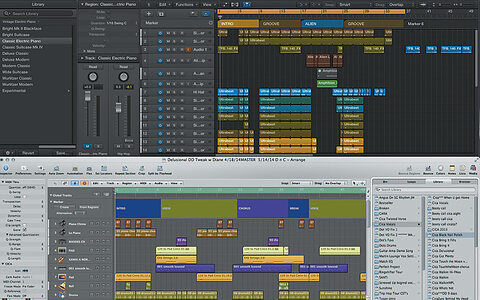
    Nine more ways to kick off your productions in Logic Pro X.

    Techniques Oct 2014
  • link

    Unfolding Events

    Studio One Tips & Techniques

    Studio One lets you apply effects directly to audio Events, opening up innumerable creative possibilities.

    Techniques Oct 2014
  • link

    Get Pitch Quick! - Media

    Audio files to accompany the article.

    Cubase's built-in VariAudio pitch processor isn't just for vocals...

    Techniques Sep 2014
  • link

    Get Pitch Quick!

    Cubase Tips & Techniques

    Cubase's built-in VariAudio pitch processor isn't just for vocals...

    Techniques Sep 2014
  • link

    Reaktion Time

    Ableton Live Tips & Techniques

    NI's Reaktor is the perfect partner for Live...

    Techniques Sep 2014
  • link

    Top 10 Hits

    Logic Tips & Techniques

    Need to give your productions a shot in the arm? Here are 10 ways to make a beat in Logic Pro X.

    Techniques Sep 2014
  • link

    Aux Talk

    Pro Tools Tips & Techniques

    Perhaps the most versatile track type in Pro Tools is one that you can't even record to!

    Techniques Sep 2014
  • link

    Easy As A-D-T

    Reason Tips & Techniques

    Automatic double-tracking is a doddle in Reason.

    Techniques Sep 2014
  • link

    Tip Advisor

    Sonar Tips & Techniques

    Save time and effort with these power-user techniques for Sonar.

    Techniques Sep 2014
  • link

    Repeat After Me

    Studio One Tips & Techniques

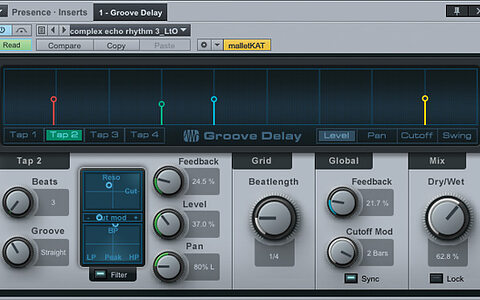
    The ability to sync delay times and other Studio One parameters to tempo is a fertile source of inspiration.

    Techniques Sep 2014
  • link

    The Big Squeeze

    Cubase Tips & Techniques

    Make your Cubase mixes pack more punch with master‑bus compression.

    Techniques Aug 2014
  • link

    Gate Expectations

    Ableton Live Tips & Techniques

    We get creative with Live's often overlooked Gate processor.

    Techniques Aug 2014
  • link

    Logic Pro 9 to Pro X

    Logic Tips & Techniques

    If you're having problems navigating in Logic Pro X, we can help you find your way again.

    Techniques Aug 2014
  • link

    Monster Tracks

    Pro Tools Tips & Techniques

    The first step to setting up a Pro Tools session is to understand what its different track types are for.

    Techniques Aug 2014
  • link

    Glorious Technicolour

    Reaper Tips & Techniques

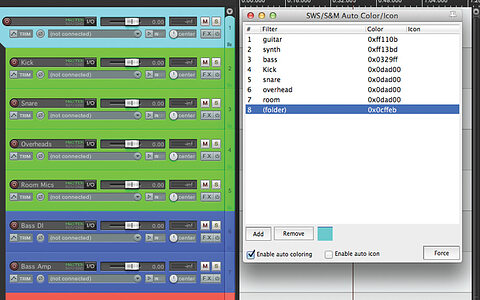
    Use Reaper's SWS Extensions to automatically add colour and icons to your tracks.

    Techniques Aug 2014
  • link

    Macro Bionic

    Studio One Tips & Techniques

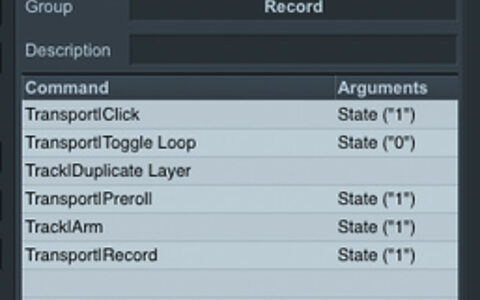
    Studio One's macros can take the legwork out of repetitive tasks.

    Techniques Aug 2014
  • link

    Getting Shreddy

    Sonar Tips & Techniques

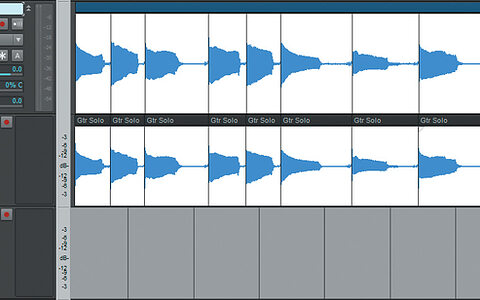
    Use Sonar's editing tools to tighten up your guitar solos.

    Techniques Aug 2014
  • link

    Spread Of Heaven

    Cubase Tips & Techniques

    Make full use of your speakers with these stereo enhancement tips for Cubase.

    Techniques Jul 2014
  • link

    Remote Control

    Logic Tips & Techniques

    Release yourself from the computer keyboard with Logic Remote for iPad.

    Techniques Jul 2014
  • link

    Bus Lanes

    Pro Tools Tips & Techniques

    Understanding the role of buses in the Pro Tools mixer opens up powerful routing possibilities.

    Techniques Jul 2014
  • link

    Version Therapy

    Reaper Tips & Techniques

    Explore Reaper's most useful new and improved features in Version 4.6.1

    Techniques Jul 2014

Pages

Subscribe to RSS - DAW Software