You are here

DAW Software

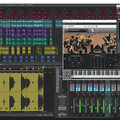
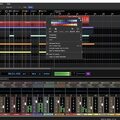
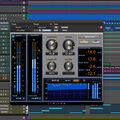
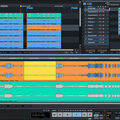
A DAW, which stands for Digital Audio Workstation, is a software tool that enables users to capture, modify, and create audio content. It is utilised in various contexts such as music production, sound design, game audio, film and TV post-production, and podcasting.

Primary uses of a DAW

The primary purposes of contemporary Digital Audio Workstation software comprise: 

Recording: All DAWs enable users to capture audio from different sources like microphones, instruments, and MIDI controllers using an Audio Interface connected to the computer.

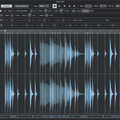
Editing:  DAWs enable users to cut, copy, paste, and rearrange sections of audio files. They also provide a range of tools for improving the quality of audio, including noise reduction, EQ, and compression.

Mixing: Digital Audio Workstations enable users to blend various audio tracks, modifying volumes, positioning, and adding effects to produce a unified end result.

Mastering: Digital Audio Workstations (DAWs) provide features like loudness normalisation and EQ adjustments to ensure the final audio meets industry standards.

Advantages of utilising a Digital Audio Workstation

Efficiency: DAWs enable users to efficiently record, edit, and produce audio with ease, cutting down on time and effort when compared to traditional analogue techniques.

Flexibility: DAWs offer a wide range of tools and features that allow users to customise their audio production process and achieve the desired results.

Collaboration: Numerous DAWs provide tools that enable users to work together and collaborate on projects from different locations, simplifying the process of collaborating on audio projects such as podcasts and song creation.

Portability: Digital Audio Workstations are compatible with different devices such as desktop computers (Mac/PC) , laptops and tablets, allowing users to work on audio projects conveniently from any location.

There are many popular software DAWs, some of which come built into the Operating System of your favourite computer, such as Apple GarageBand on Macs. Sound On Sound regularly covers all the top brands in its monthly DAW Masterclasses. From Steinberg Cubase and Avid Pro Tools, PreSonus Studio One and Apple Logic Pro, MOTU Digital Performer to Ableton Live, Reason Studios Reason and Cockos Reaper, you'll find how-to techniques and tips for all of these and other DAWs collected under the sections shown above.

  • link

    Control Freak

    Cubase Tips & Techniques

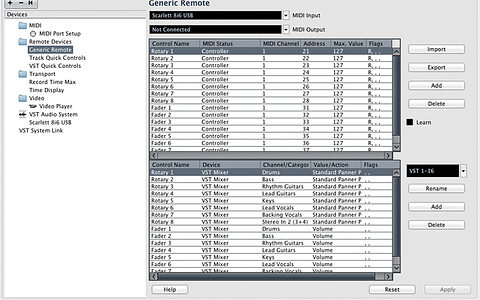
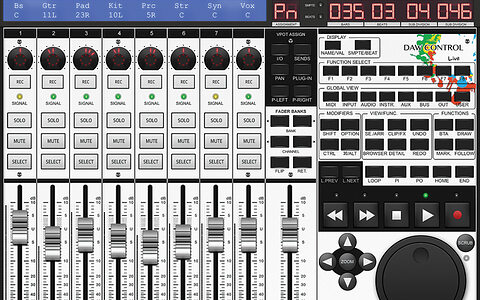
    Cubase offers several different ways to take advantage of your master keyboard's knobs, buttons and faders.

    Techniques Apr 2014
  • link

    Remote Control

    Ableton Live Tips & Techniques

    We look at the best apps for iPad mixing in Ableton Live.

    Techniques Apr 2014
  • link

    Well‑Stacked

    Logic Tips & Techniques

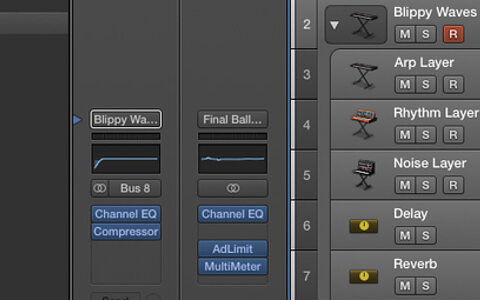
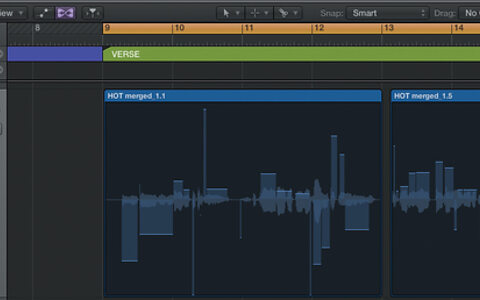
    Be an architect of sound with Track Stacks in Logic Pro X.

    Techniques Apr 2014
  • link

    Angelic Hosts

    Pro Tools Tips & Techniques

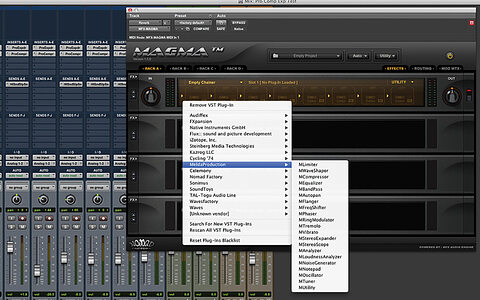
    We look at ways to open up your Pro Tools plug‑in world through VST hosting.

    Techniques Apr 2014
  • link

    Compression Session

    Reason Tips & Techniques

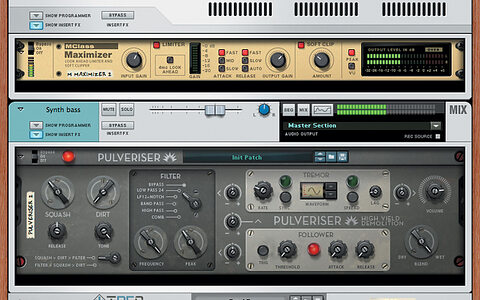
    Join us as we delve into dynamics in Reason 7.

    Techniques Apr 2014
  • link

    Version Therapy

    Craft the perfect cover version in Sonar X3.

    Craig Anderton explains his approach to creating a perfect cover version.

    Techniques Apr 2014
  • link

    Odd Times | Media

    Sudio One Tips & Techniques

    Audio files to accompany the article.

    Techniques Apr 2014
  • link

    Odd Times

    Studio One Tips & Techniques

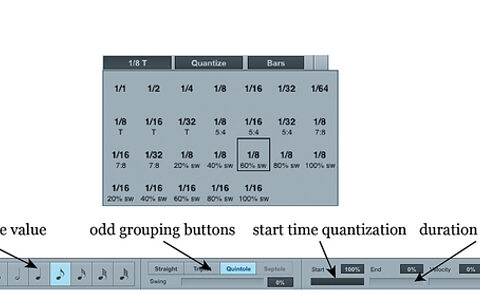
    Studio One MIDI sequences can incorporate any note division, no matter how bizarre!

    Techniques Apr 2014
  • link

    Making WAVs

    Pro Tools Tips & Techniques

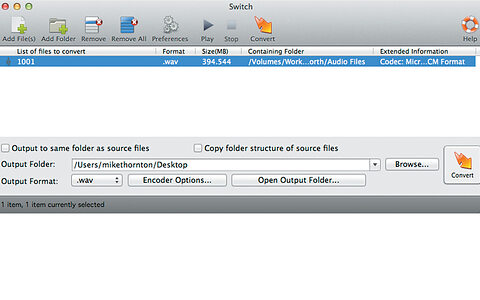
    Pro Tools often turns up its nose at corrupt WAV files. Here's how to bring them into line.

    Techniques Mar 2014
  • link

    Chord Generation

    Reason Tips & Techniques

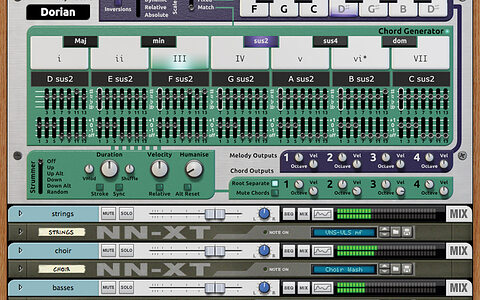
    We look at how chord‑generating Rack Extensions in Reason could help you out of a musical rut.

    Techniques Mar 2014
  • link

    Take A Browse

    Sonar Tips & Techniques

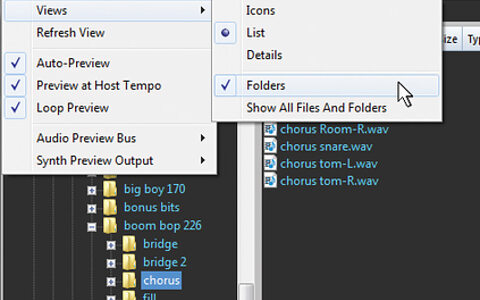
    Find what you're looking for faster with Sonar X3's new Browser.

    Techniques Mar 2014
  • link

    Open Wide | Media

    Studio One Tips & Techniques

    Audio files to accompany the article.

    Techniques Mar 2014
  • link

    Open Wide

    Studio One Tips & Techniques

    Studio One offers multiple methods of synthesizing splendid stereo from mediocre mono.

    Techniques Mar 2014
  • link

    Make Some Noise!

    Reaper Tips & Techniques

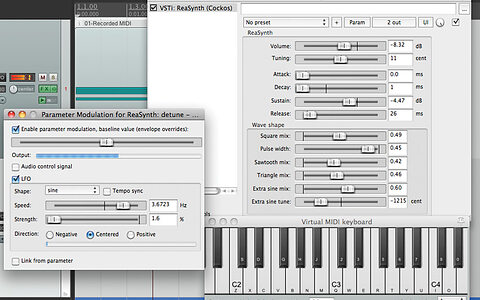
    Create striking new sounds using Reaper's ReaSynth plug-in.

    Techniques Mar 2014
  • link

    Vari Ability

    Cubase Tips & Techniques

    Perfect your vocal pitch-correction techniques with Cubase's VariAudio.

    Techniques Mar 2014
  • link

    Ableton Live: It's About Time

    Live Tips & Techniques

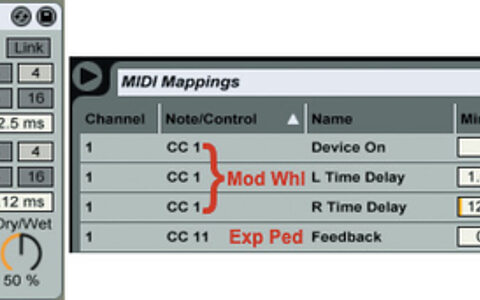
    We look at what Live's built-in delays can do for you.

    Techniques Mar 2014
  • link

    Flex Appeal

    Logic Tips & Techniques

    Learn how to Flex Pitch like a pro in Logic Pro X.

    Techniques Mar 2014
  • link

    Steinberg Cubase 7.5

    Digital Audio Workstation Software For Mac OS & Windows

    Steinberg have packed a lot of new functionality into their bargain upgrade to Cubase.

    Reviews Feb 2014
  • link

    Morphology

    Ableton Live Tips & Techniques

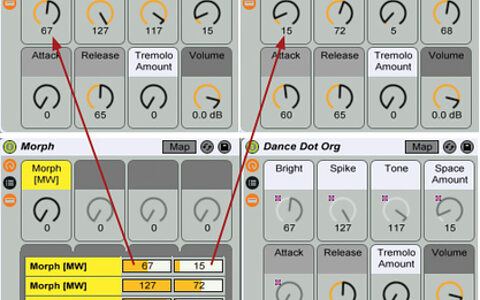
    Live enters a state of flux as we get to grips with morphing.

    Techniques Feb 2014
  • link

    Free For All

    Pro Tools Tips & Techniques

    We introduce some of the best free plug-ins for Pro Tools 11.

    Techniques Feb 2014
  • link

    Matrix Tricks

    Reason Tips & Techniques

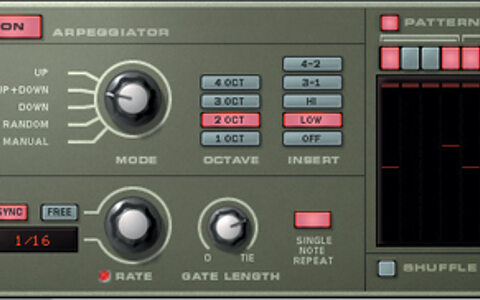
    When it comes to step sequencing, Reason 7 has all sorts of tricks up its sleeve.

    Techniques Feb 2014

Pages

Subscribe to RSS - DAW Software