You are here

DAW Software

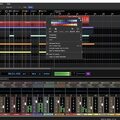
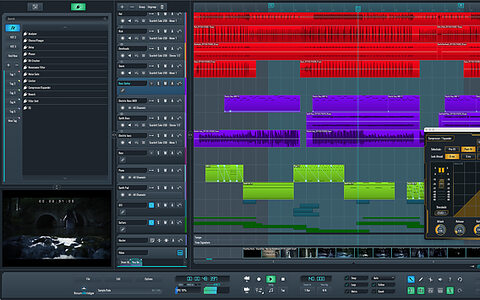
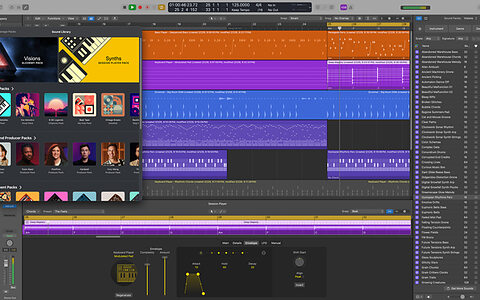
A DAW, which stands for Digital Audio Workstation, is a software tool that enables users to capture, modify, and create audio content. It is utilised in various contexts such as music production, sound design, game audio, film and TV post-production, and podcasting.

Primary uses of a DAW

The primary purposes of contemporary Digital Audio Workstation software comprise: 

Recording: All DAWs enable users to capture audio from different sources like microphones, instruments, and MIDI controllers using an Audio Interface connected to the computer.

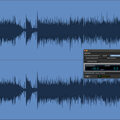
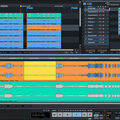
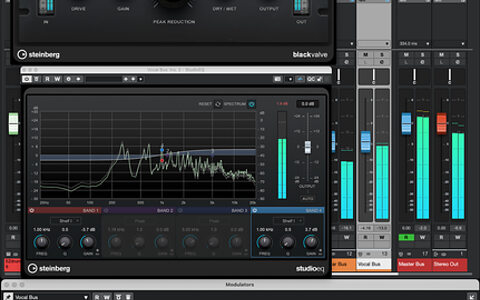
Editing:  DAWs enable users to cut, copy, paste, and rearrange sections of audio files. They also provide a range of tools for improving the quality of audio, including noise reduction, EQ, and compression.

Mixing: Digital Audio Workstations enable users to blend various audio tracks, modifying volumes, positioning, and adding effects to produce a unified end result.

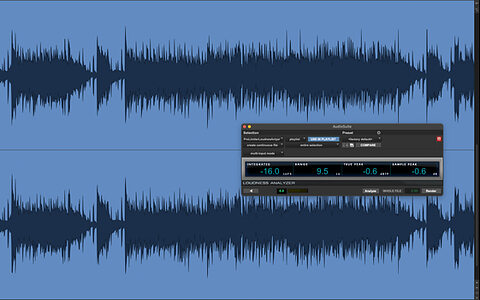
Mastering: Digital Audio Workstations (DAWs) provide features like loudness normalisation and EQ adjustments to ensure the final audio meets industry standards.

Advantages of utilising a Digital Audio Workstation

Efficiency: DAWs enable users to efficiently record, edit, and produce audio with ease, cutting down on time and effort when compared to traditional analogue techniques.

Flexibility: DAWs offer a wide range of tools and features that allow users to customise their audio production process and achieve the desired results.

Collaboration: Numerous DAWs provide tools that enable users to work together and collaborate on projects from different locations, simplifying the process of collaborating on audio projects such as podcasts and song creation.

Portability: Digital Audio Workstations are compatible with different devices such as desktop computers (Mac/PC) , laptops and tablets, allowing users to work on audio projects conveniently from any location.

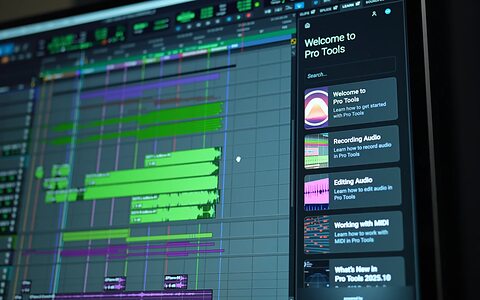
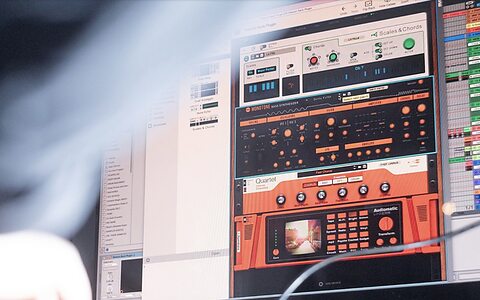
There are many popular software DAWs, some of which come built into the Operating System of your favourite computer, such as Apple GarageBand on Macs. Sound On Sound regularly covers all the top brands in its monthly DAW Masterclasses. From Steinberg Cubase and Avid Pro Tools, PreSonus Studio One and Apple Logic Pro, MOTU Digital Performer to Ableton Live, Reason Studios Reason and Cockos Reaper, you'll find how-to techniques and tips for all of these and other DAWs collected under the sections shown above.

  • link

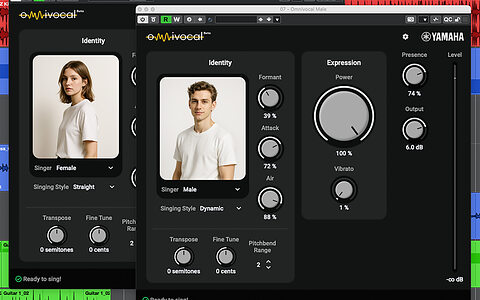
    Cubase 15: Exploring Omnivocal

    Steinberg Cubase 15: Tips & Techniques

    Find out just what’s possible — and what’s not — with Cubase’s new virtual vocalist.

    Techniques Feb 2026
  • link

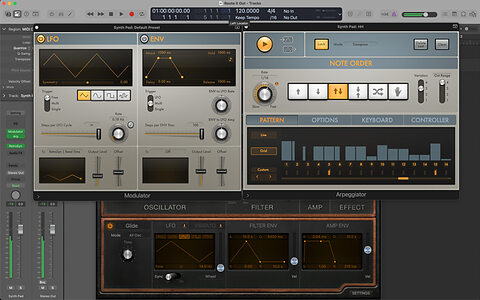
    Logic Pro: MIDI Plug‑ins

    Apple Logic Pro: Tips & Techniques

    Logic’s MIDI plug‑ins are your key to instant inspiration!

    Techniques Feb 2026
  • link

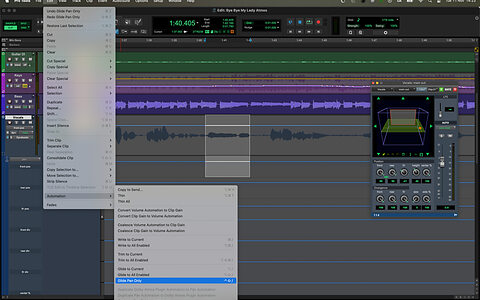
    Pro Tools: Creative Automation

    Avid Pro Tools: Tips & Techniques

    Mix automation isn’t just about fixing mistakes. It can also be a powerful creative tool!

    Techniques Feb 2026
  • link

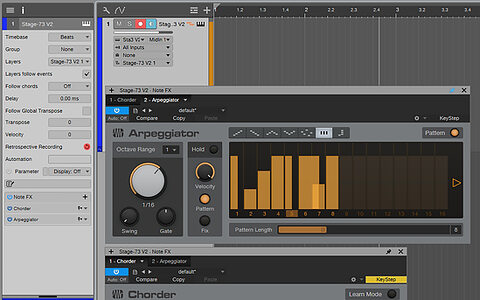
    Studio One: Note FX

    PreSonus Studio One: Tips & Techniques

    Spice up your MIDI data with Studio One’s Note FX.

    Techniques Feb 2026
  • link

    Cubase 15: Exploring Omnivocal | Audio Examples

    Listen For Yourself

    These three audio examples demonstrate the Omnivocal techniques described in the Cubase workshop article that appears in SOS February 2026.

    Techniques Feb 2026
  • link
    SOS Awards Header 2026

    2026 SOS Awards: THE RESULTS

    Chosen By The Readers Of SOUND ON SOUND

    The SOS Awards celebrate innovation and contemporary design. Congratulations to all the Winners, as well as the very worthy close contenders in each category who have been awarded our Highly Commended accolade.

    Reviews Feb 2026
  • link
    Fender Studio Pro PreSonus Studio One renamed rebranded

    Studio One becomes Fender Studio Pro

    PreSonus’ DAW & interface range rebranded/enhanced

    From 13 January 2026, Studio One will now be known as Fender Studio Pro, while the Quantum and AudioBox lines will transition to the Fender Quantum Series and Fender AudioBox. 

    News
  • link
    Avid NAMM 2026 Pro Tools Sibelius Venue immersive audio AI tools

    Pro Tools, Sibelius & Venue updates from Avid

    New features to be showcased at NAMM 2026

    Avid will be showcasing the latest enhancements to Pro Tools, Sibelius and Venue families at NAMM 2026, as well as hosting a series of talks and demonstrations at their booth.

    News
  • link
    Apple Creator Studio Logic Pro Final Cut music production video editing subscription package

    Apple to introduce Apple Creator Studio

    New all-in-one subscription bundle revealed

    The bundle will include Logic Pro, Final Cut Pro, Pixelmator Pro, Motion, Compressor and MainStage, and will also include some new intelligent features and premium content for Keynote, Pages, Numbers and eventually Freeform for iPhone.

    News
  • link
    Reason Studios LANDR

    Reason Studios join LANDR

    Popular DAW platform acquired by music creation platform

    Reason Studios have announced that they have teamed up with LANDR, a move which the two brands say will “redefine the future of music creation”.

    News
  • link

    Cubase 14: Controlling Acoustic Drum Dynamics

    Steinberg Cubase Tips & Techniques

    Add impact and attitude to your drum parts with Cubase’s stock dynamics plug‑ins!

    Techniques Jan 2026
  • link

    Logic Pro: Flashback Capture

    Apple Logic Pro: Tips & Techniques

    With Flashback Capture, you need never lose a magical take again!

    Techniques Jan 2026
  • link

    Pro Tools: Master Faders

    Avid Pro Tools: Tips & Techniques

    Master Faders offer much more than just level control!

    Techniques Jan 2026
  • link

    Q. If I swap from Windows to Mac, can I still open my old Reaper projects?

    I’ve been using Reaper on Windows for years, but I need a new computer and I’m thinking of getting a Mac. Will Reaper on Mac be able to open my files, or do I need to tweak anything?

    Sound Advice Jan 2026
  • link

    Studio One: Re‑amping Explained

    PreSonus Studio One: Tips & Techniques

    We talk you through the ins and outs of re‑amping in Studio One.

    Techniques Jan 2026
  • link

    Cubase 14: Controlling Acoustic Drum Dynamics | Audio Examples

    Listen For Yourself

    These three audio examples demonstrate the techniques described in the Cubase workshop article in SOS January 2026.

    Techniques Jan 2026
  • link
    Avid Pro Tools 2025.12 DAW software update SoundFlow ARA Audio Vivid Bounce Factory

    Avid unveil Pro Tools 2025.12

    Audio Vivid, Bounce Factory & additional ARA integration

    Pro Tools 2025.12 is now available, and delivers new immersive mixing support with the introduction of UHD World Association’s (UWA) Audio Vivid, enhanced SoundFlow functionality with built-in Bounce Factory Lite and new Inner Circle rewards from a selection of Avid’s plug-in and content partners.

    News
  • link
    Hit'n'Mix RipX DAW Pro 8

    Hit’n’Mix RipX DAW 8 now available

    Chord progression tools, new sounds, effects & more

    RipX DAW 8 introduces a whole host of new features including new chord progression tools, dynamic Track Starters, loopable selections, new sounds and loops, 11 additional built-in effects and a number of other enhancements that aim to help users focus on creativity. 

    News
  • link

    Steinberg Cubase Pro 15

    Digital Audio Workstation

    What does the latest version of Cubase have in common with the 1982 science fiction movie Tron?

    Reviews Dec 2025
  • link

    Logic Pro: Granular Resynthesis

    Apple Logic Pro: Tips & Techniques

    Alchemy’s granular engine is a sonic playground with infinite possibilities!

    Techniques Dec 2025
  • link

    Studio One: Podcast Production

    PreSonus Studio One: Tips & Techniques

    Studio One has everything you need to produce professional‑sounding podcasts.

    Techniques Dec 2025

Pages

Subscribe to RSS - DAW Software