You are here

DAW Software

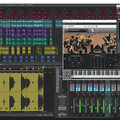
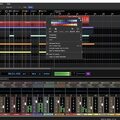
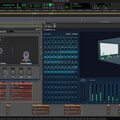
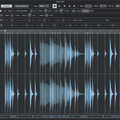
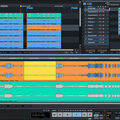
A DAW, which stands for Digital Audio Workstation, is a software tool that enables users to capture, modify, and create audio content. It is utilised in various contexts such as music production, sound design, game audio, film and TV post-production, and podcasting.

Primary uses of a DAW

The primary purposes of contemporary Digital Audio Workstation software comprise: 

Recording: All DAWs enable users to capture audio from different sources like microphones, instruments, and MIDI controllers using an Audio Interface connected to the computer.

Editing:  DAWs enable users to cut, copy, paste, and rearrange sections of audio files. They also provide a range of tools for improving the quality of audio, including noise reduction, EQ, and compression.

Mixing: Digital Audio Workstations enable users to blend various audio tracks, modifying volumes, positioning, and adding effects to produce a unified end result.

Mastering: Digital Audio Workstations (DAWs) provide features like loudness normalisation and EQ adjustments to ensure the final audio meets industry standards.

Advantages of utilising a Digital Audio Workstation

Efficiency: DAWs enable users to efficiently record, edit, and produce audio with ease, cutting down on time and effort when compared to traditional analogue techniques.

Flexibility: DAWs offer a wide range of tools and features that allow users to customise their audio production process and achieve the desired results.

Collaboration: Numerous DAWs provide tools that enable users to work together and collaborate on projects from different locations, simplifying the process of collaborating on audio projects such as podcasts and song creation.

Portability: Digital Audio Workstations are compatible with different devices such as desktop computers (Mac/PC) , laptops and tablets, allowing users to work on audio projects conveniently from any location.

There are many popular software DAWs, some of which come built into the Operating System of your favourite computer, such as Apple GarageBand on Macs. Sound On Sound regularly covers all the top brands in its monthly DAW Masterclasses. From Steinberg Cubase and Avid Pro Tools, PreSonus Studio One and Apple Logic Pro, MOTU Digital Performer to Ableton Live, Reason Studios Reason and Cockos Reaper, you'll find how-to techniques and tips for all of these and other DAWs collected under the sections shown above.

  • link

    Reverb Rating

    Cubase Tips & Techniques

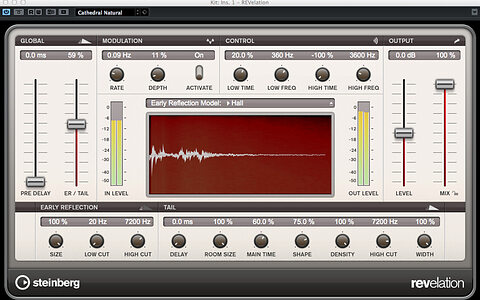
    Cubase Pro 8 gives you four different reverb plug-ins to choose from, but which one should you be using?

    Techniques Sep 2015
  • link

    Complete Control

    Ableton Live Tips & Techniques

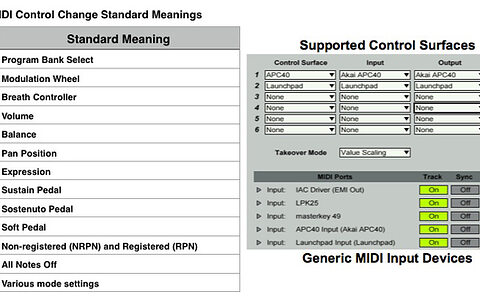
    Working with MIDI controllers in Ableton Live.

    Techniques Sep 2015
  • link

    Touch & Go

    Logic Tips & Techniques

    Learn to map custom touch controllers with an iPad and Duet Display in Logic Pro X.

    Techniques Sep 2015
  • link

    Navigational Aids In Reason

    Reason Tips & Techniques

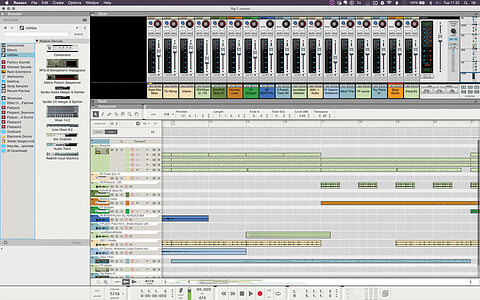
    As Reason has evolved from a compact synth rack into the incredibly powerful DAW it is today, its user interface has necessarily grown in size and complexity. Learn how to customise and navigate Reason’s user interface.

    Techniques Sep 2015
  • link

    PreSonus Studio One 3

    Digital Audio Workstation For Mac OS & Windows

    A major update to PreSonus’s cross–platform DAW sees Studio One take some popular feature concepts to new levels.

    Reviews Sep 2015
  • link

    As You Like It

    Sonar Tips & Techniques

    Speed up your work by tailoring Sonar’s look and feel.

    Techniques Sep 2015
  • link

    Harrison Mixbus 3

    Music Production Software For Mac OS X, Windows & Linux

    Harrison’s Mixbus offers large–format console sound at a budget price, and the addition of MIDI and third–party plug–in support broaden its appeal considerably.

    Reviews Sep 2015
  • link

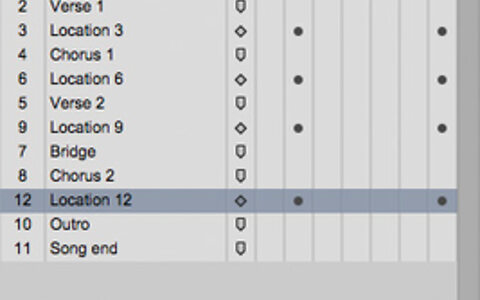
    Memory Locations

    Pro Tools Tips & Techniques

    Memory Locations in Pro Tools don’t have to be tied to the timeline — they can also store and recall a host of session parameters.

    Techniques Sep 2015
  • link

    Project Recovery

    Reaper Tips & Techniques

    Cockos Reaper has some interesting tricks up its sleeve to help you resuscitate seemingly corrupt projects.

    Techniques Sep 2015
  • link

    Double Bass

    Cubase Tips & Techniques

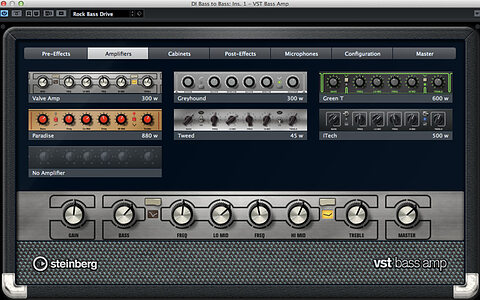
    Use Cubase’s new VST Bass Amp to recreate the sound of Royal Blood’s doubled electric bass.

    Techniques Aug 2015
  • link

    Making Notes

    Ableton Live Tips & Techniques

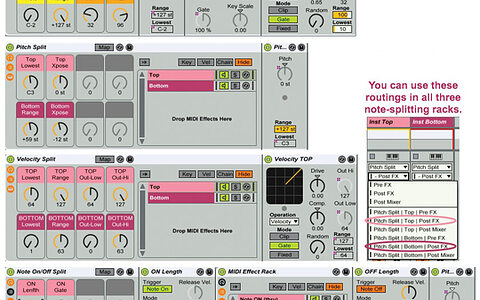
    Live has plenty of tricks up its sleeve for working with MIDI notes.

    Techniques Aug 2015
  • link

    Motion To Table

    Logic Tips & Techniques

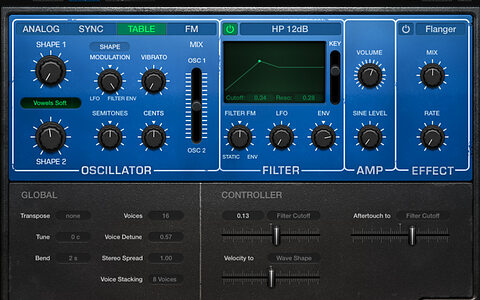
    Explore the wavetable section of Retro Synth to make your own unique sounds in Logic.

    Techniques Aug 2015
  • link

    Magic Markers

    Pro Tools Tips & Techniques

    Exploiting Memory Locations to the full will revolutionise the way you work with Pro Tools.

    Techniques Aug 2015
  • link

    Acting On Impulse

    Reason Tips & Techniques

    The new RV7000 MkII Reverb is the star of the Reason 8.3 update.

    Techniques Aug 2015
  • link

    Powers Of Three

    Studio One Tips & Techiques

    This month we introduce Studio One users to some of the riches on offer in the new version 3.

    Techniques Aug 2015
  • link

    Tracktion 6

    Music Production Software [OS X, Windows, Linux]

    After a number of years in the wilderness, Tracktion is back with its second major update in just over 12 months.

    Reviews Aug 2015
  • link

    Beat It!

    Sonar Tips & Techniques

    Spice up your drum tracks with Sonar’s built-in plug-ins.

    Techniques Aug 2015
  • link

    Double Bass | Media

    Cubase Tips & Techniques

    Audio files to accompany the article.

    Techniques Aug 2015
  • link

    Beat It! | Media

    Sonar Tips & Techniques

    Audio files to accompany the article.

    Techniques Aug 2015
  • link

    Plug-in Pruning

    Cubase Tips & Techniques

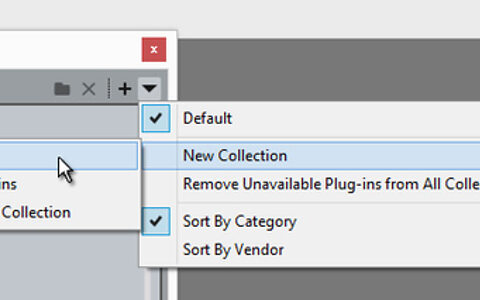
    Take some of the work out of your workflow, with Cubase 8 Pro’s Plug-in Manager.

    Techniques Jul 2015
  • link

    Downsizing DP

    Digital Performer Tips & Techniques

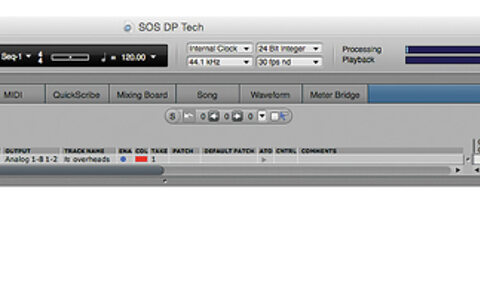
    When screen space is at a premium, it’s time to customise Digital Performer’s user interface.

    Techniques Jul 2015

Pages

Subscribe to RSS - DAW Software