You are here

DAW Software

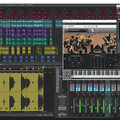
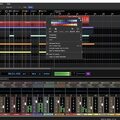
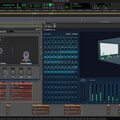
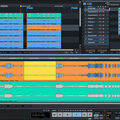
A DAW, which stands for Digital Audio Workstation, is a software tool that enables users to capture, modify, and create audio content. It is utilised in various contexts such as music production, sound design, game audio, film and TV post-production, and podcasting.

Primary uses of a DAW

The primary purposes of contemporary Digital Audio Workstation software comprise: 

Recording: All DAWs enable users to capture audio from different sources like microphones, instruments, and MIDI controllers using an Audio Interface connected to the computer.

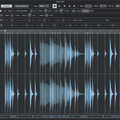
Editing:  DAWs enable users to cut, copy, paste, and rearrange sections of audio files. They also provide a range of tools for improving the quality of audio, including noise reduction, EQ, and compression.

Mixing: Digital Audio Workstations enable users to blend various audio tracks, modifying volumes, positioning, and adding effects to produce a unified end result.

Mastering: Digital Audio Workstations (DAWs) provide features like loudness normalisation and EQ adjustments to ensure the final audio meets industry standards.

Advantages of utilising a Digital Audio Workstation

Efficiency: DAWs enable users to efficiently record, edit, and produce audio with ease, cutting down on time and effort when compared to traditional analogue techniques.

Flexibility: DAWs offer a wide range of tools and features that allow users to customise their audio production process and achieve the desired results.

Collaboration: Numerous DAWs provide tools that enable users to work together and collaborate on projects from different locations, simplifying the process of collaborating on audio projects such as podcasts and song creation.

Portability: Digital Audio Workstations are compatible with different devices such as desktop computers (Mac/PC) , laptops and tablets, allowing users to work on audio projects conveniently from any location.

There are many popular software DAWs, some of which come built into the Operating System of your favourite computer, such as Apple GarageBand on Macs. Sound On Sound regularly covers all the top brands in its monthly DAW Masterclasses. From Steinberg Cubase and Avid Pro Tools, PreSonus Studio One and Apple Logic Pro, MOTU Digital Performer to Ableton Live, Reason Studios Reason and Cockos Reaper, you'll find how-to techniques and tips for all of these and other DAWs collected under the sections shown above.

  • link

    Hot Fuzz!

    Cubase Tips & Techniques

    Cubase’s unique Quadrafuzz v2 plug-in is useful for so much more than guitar processing...

    Techniques Feb 2016
  • link

    MOTU Digital Performer 9

    Music Production Software For Mac OS & Windows

    MOTU’s sequencing software has been around longer than some SOS readers. Do the improvements in the latest version keep it bang up to date?

    Reviews Feb 2016
  • link

    DIY Effects

    Ableton Live Tips & Techniques

    We show you how to make your own flanger and phaser in Live.

    Techniques Feb 2016
  • link

    Making Commitments

    Pro Tools Tips & Techniques

    Pro Tools’ new Commit Tracks feature is great for saving system resources and sharing sessions.

    Techniques Feb 2016
  • link

    Comping Multiple Takes In Reason

    Reason Tips & Techniques

    We get to grips with Reason’s individual approach to multiple takes and overdubs.

    Techniques Feb 2016
  • link

    Creative Mix Recall In Sonar

    Sonar Tips & Techniques

    Explore creative uses for Sonar’s Mix Recall functionality.

    Techniques Feb 2016
  • link

    Circular Panning In Studio One

    Studio One Tips & Techniques

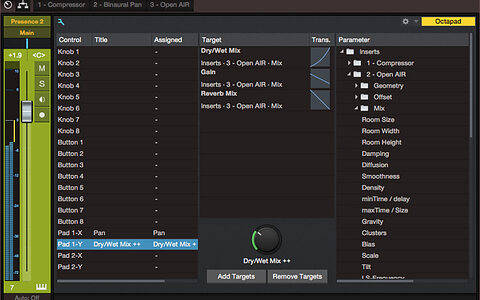
    Studio One’s macro controls can be used to create a convincing 2D panning effect.

    Techniques Feb 2016
  • link

    Organ Cloner

    Logic Tips & Techniques

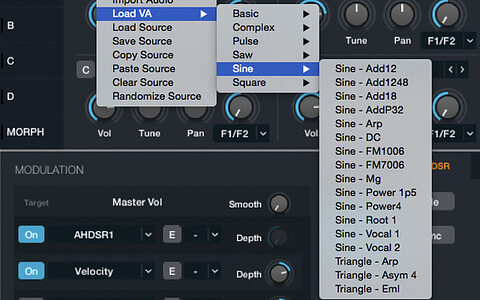
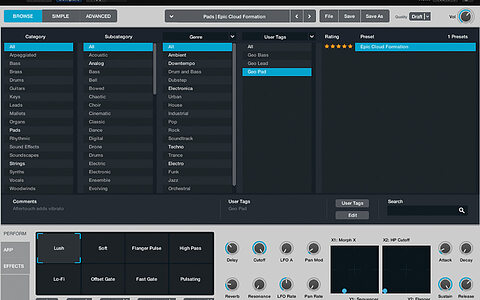
    Explore Alchemy’s oscillators, envelopes, modulation mapping and effects to create a classic house organ patch in Logic Pro X.

    Techniques Feb 2016
  • link

    VCA Team

    Cubase Tips & Techniques

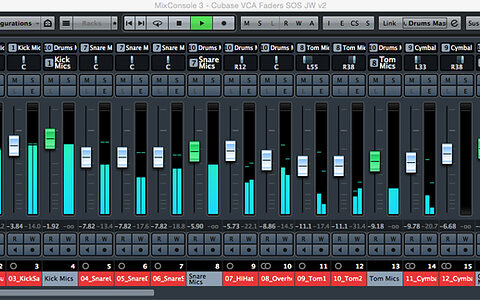
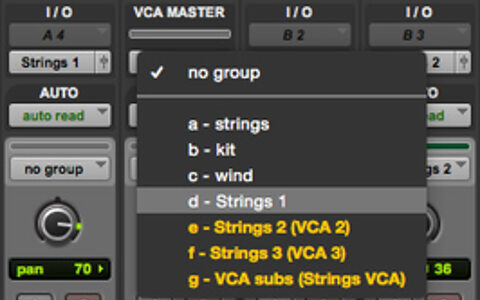
    Make mixing in Cubase Pro 8 that little bit easier with VCA Faders.

    Techniques Jan 2016
  • link

    Rhodes Hog

    Ableton Live Tips & Techniques

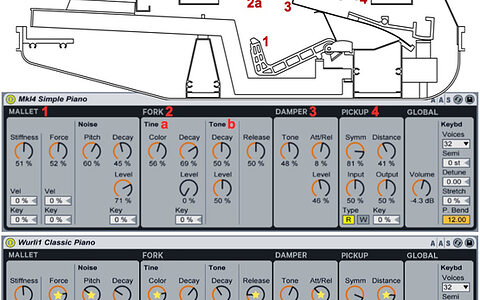
    We look at how to get the most from Live’s Electric instrument.

    Techniques Jan 2016
  • link

    Pro Tools Dashboard

    Avid Pro Tools Tips & Techniques

    The Dashboard in Pro Tools 12 is the perfect jumping-off point for new and existing projects.

    Techniques Jan 2016
  • link

    Avid Pro Tools 12.3

    Digital Audio Workstation Software For Mac OS & Windows

    The new features promised in Pro Tools 12 are finally starting to arrive. Can Avid persuade existing users that it’s time to start paying annual fees?

    Reviews Jan 2016
  • link

    Sonar: Freq Show

    Sonar Tips & Techniques

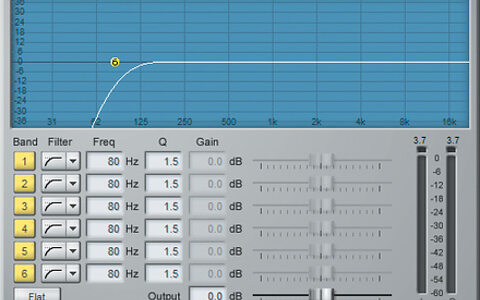
    Get acquainted with Sonar’s many EQ options.

    Techniques Jan 2016
  • link

    Going For Gold

    Logic Tips & Techniques

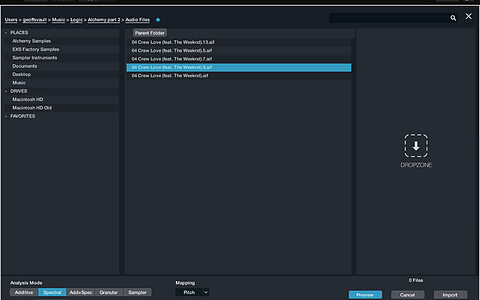
    In our second workshop on Logic Pro X’s Alchemy synth, we look at its creative sample-manipulation capabilities.

    Techniques Jan 2016
  • link

    Pitch Perfect

    Reason Tips & Techniques

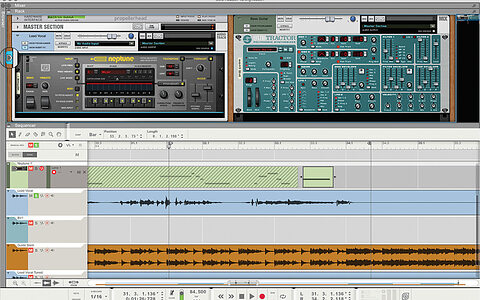
    We look at corrective and creative vocal tuning in Reason.

    Techniques Jan 2016
  • link

    Duck Tales

    Studio One Tips & Techniques

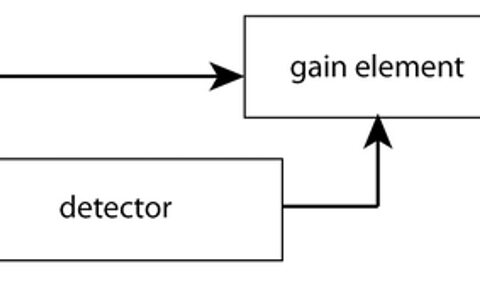
    Extensive side–chain options make Studio One’s mixer the perfect place to experiment with ducking.

    Techniques Jan 2016
  • link

    Steinberg Nuendo 7

    Digital Audio Workstation [Mac OS/Windows]

    Nuendo 7 inherits all the new features Steinberg debuted in Cubase 8, and adds sophisticated functionality for producing audio for film, TV and games.

    Reviews Dec 2015
  • link

    Caching In

    Pro Tools Tips & Techniques

    As of version 12.2, all Pro Tools users now get powerful features like VCA Master tracks, Advanced Metering and the Disk Cache.

    Techniques Dec 2015
  • link

    Ableton Push 2

    Hardware Controller For Live

    Ableton have released major new versions of their two flagship products, Live and Push. Live 9.5 is free to owners of Live 9. Meanwhile, and more importantly, there is a new Push controller. 

    Reviews Dec 2015
  • link

    Reasonable Reaktion

    Reason Tips & Techniques

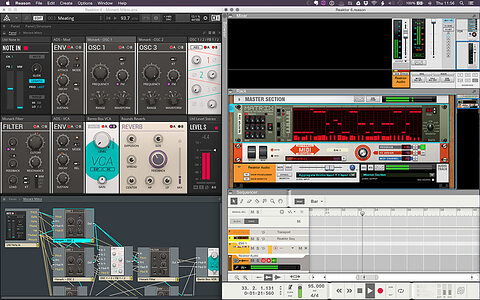
    Reaktor and other NI plug-ins have been staples in most of my musical efforts. This month I’ve brought together a bunch of tips for getting started working with these alongside Reason.

    Techniques Dec 2015
  • link

    A Kind Of Magic: Alchemy

    Logic Tips & Techniques

    Originally developed by Camel Audio, Alchemy is the most exciting new virtual instrument to be bundled with Logic for a long time. It is one of the most feature–packed synthesizers on the market, and includes many different synthesis types...

    Techniques Dec 2015

Pages

Subscribe to RSS - DAW Software