You are here

DAW Software

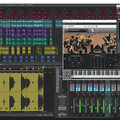
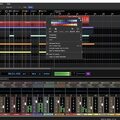
A DAW, which stands for Digital Audio Workstation, is a software tool that enables users to capture, modify, and create audio content. It is utilised in various contexts such as music production, sound design, game audio, film and TV post-production, and podcasting.

Primary uses of a DAW

The primary purposes of contemporary Digital Audio Workstation software comprise: 

Recording: All DAWs enable users to capture audio from different sources like microphones, instruments, and MIDI controllers using an Audio Interface connected to the computer.

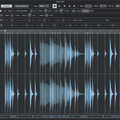
Editing:  DAWs enable users to cut, copy, paste, and rearrange sections of audio files. They also provide a range of tools for improving the quality of audio, including noise reduction, EQ, and compression.

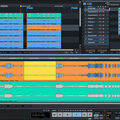
Mixing: Digital Audio Workstations enable users to blend various audio tracks, modifying volumes, positioning, and adding effects to produce a unified end result.

Mastering: Digital Audio Workstations (DAWs) provide features like loudness normalisation and EQ adjustments to ensure the final audio meets industry standards.

Advantages of utilising a Digital Audio Workstation

Efficiency: DAWs enable users to efficiently record, edit, and produce audio with ease, cutting down on time and effort when compared to traditional analogue techniques.

Flexibility: DAWs offer a wide range of tools and features that allow users to customise their audio production process and achieve the desired results.

Collaboration: Numerous DAWs provide tools that enable users to work together and collaborate on projects from different locations, simplifying the process of collaborating on audio projects such as podcasts and song creation.

Portability: Digital Audio Workstations are compatible with different devices such as desktop computers (Mac/PC) , laptops and tablets, allowing users to work on audio projects conveniently from any location.

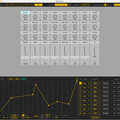
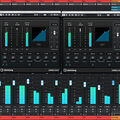
There are many popular software DAWs, some of which come built into the Operating System of your favourite computer, such as Apple GarageBand on Macs. Sound On Sound regularly covers all the top brands in its monthly DAW Masterclasses. From Steinberg Cubase and Avid Pro Tools, PreSonus Studio One and Apple Logic Pro, MOTU Digital Performer to Ableton Live, Reason Studios Reason and Cockos Reaper, you'll find how-to techniques and tips for all of these and other DAWs collected under the sections shown above.

  • link

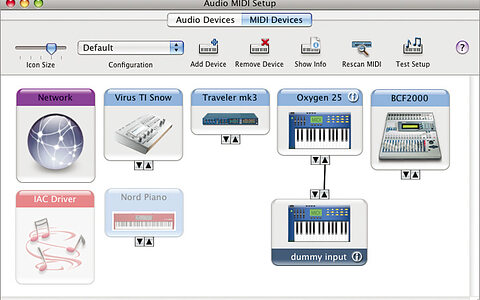
    Improving Audio MIDI Setup

    MOTU Digital Performer Tips & Techniques

    Digital Performer version 7.1 has been out for a while, but we're still feeling the love for some of its new features...

    Techniques Oct 2010
  • link

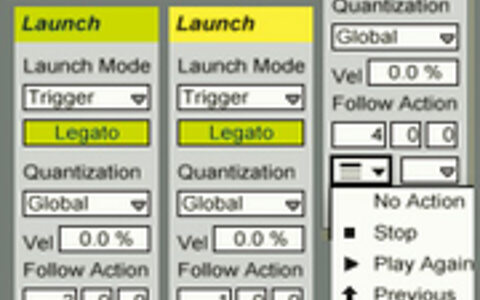
    Follow Actions

    Ableton Live Tips & Techniques

    We explore a cunning workaround to enhance Ableton Live's already powerful 'Follow Actions' feature.

    Techniques Oct 2010
  • link

    A Logical Reason

    Logic and reason dont just form the basis of rational thought — they also make for inspired composition...

    Techniques Oct 2010
  • link

    Resolving Hard Drive Problems

    Avid Pro Tools Tips & Techniques

    Does Pro Tools sometimes take an unwarranted dislike to one of your hard drives? Here's how to deal with it, and how to let non-admin users join the Pro Tools party.

    Techniques Oct 2010
  • link

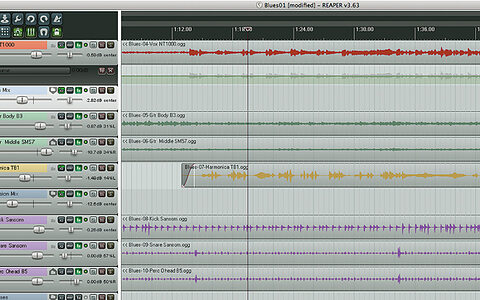
    Parameter Modulation

    Cockos Reaper Tips & Techniques

    Use parameter modulation to create clearer mixes.

    Techniques Oct 2010
  • link

    EQing With Multi-band Compressor

    Cakewalk Sonar Tips & Techniques

    When is a multi-band compressor not a compressor? When it's an equaliser!

    Techniques Oct 2010
  • link

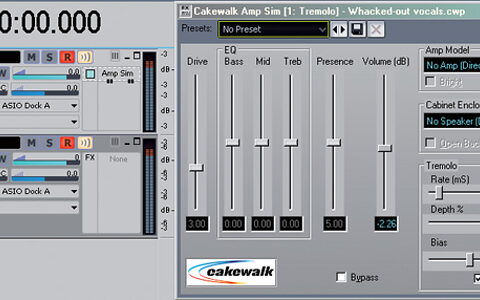
    Sonar | Crazy Vocal Effects

    Sonar Tips & Techniques

    Sonar can help you produce great normal vocals — but it can also do all kinds of crazy things to your voice...

    Techniques Sep 2010
  • link

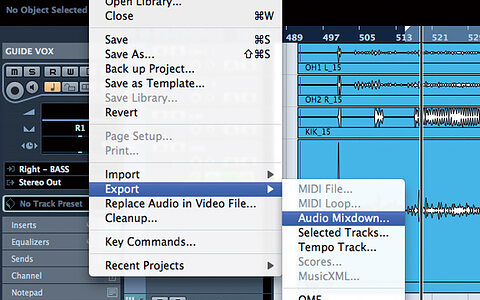
    Multitrack Batch Export In Cubase

    Cubase Tips & Techniques

    In Cubase 5, Steinberg introduced some powerful batch-export options, which have removed many project archiving and transfer frustrations.

    Techniques Sep 2010
  • link

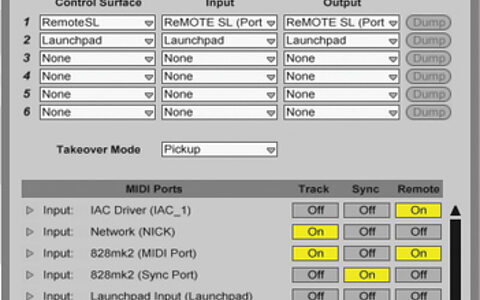
    Live | MIDI Control

    Ableton Live Tips & Techniques

    We look at how Live handles control surfaces, and offer some tips for configuring and using them.

    Techniques Sep 2010
  • link

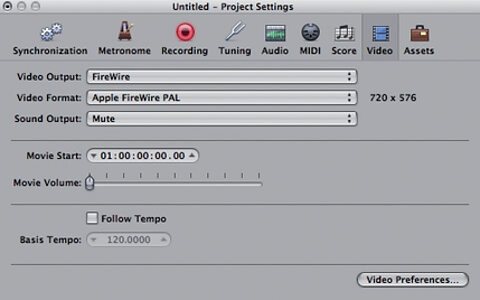
    Logic | Visual Basics

    Logic Tips & Techniques

    If you ever intend to make music to complement visuals, youll need to know the basics of working with video content in Logic Pro.

    Techniques Sep 2010
  • link

    Acoustica Mixcraft 5

    DAW For Windows

    Acoustica's affordable DAW has acquired some significant new features, including video support, score editing and a fully fledged mixer. But has it retained its trademark ease of use?

    Reviews Sep 2010
  • link

    Classic Stereo-widening

    Pro Tools Tips & Techniques

    When you need to really open up your mix, it's time to employ some classic stereo widening tricks. We show you how to implement them in Pro Tools.

    Techniques Sep 2010
  • link

    Non-stop Recording

    Reaper Tips & Techniques

    Use Reaper to create an always-on recorder that captures all the inspiration, but none of the chit-chat.

    Techniques Sep 2010
  • link

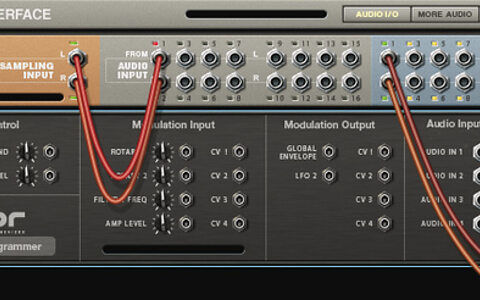
    Reason | Using Your Own Samples

    Reason Tips & Techniques

    If youve never used your own samples in Reason, heres how...

    Techniques Sep 2010
  • link

    Logical Editor

    Steinberg Cubase Tips & Techniques

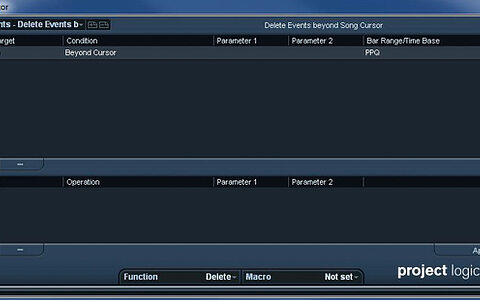
    Administration is a bore, but Cubase 5's Project Logical Editor can take the hard work out of keeping your projects tidy.

    Techniques Aug 2010
  • link

    Live Side-chain Compression

    Ableton Live Notes & Techniques

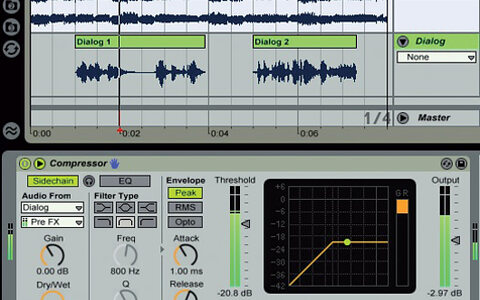
    We explore some side-chaining techniques using Live 8s Compressor.

    Techniques Aug 2010
  • link

    Logic Import: Recycle & Re-use

    Logic Notes & Techniques

    We show you how to easily re-use elements of older projects with Logics powerful import capabilities.

    Techniques Aug 2010
  • link

    Plug-in Hygiene

    Digidesign (Avid) Pro Tools Tips & Techniques

    Keeping your Pro Tools plug-ins up to date is vital if you want to maintain a reliable system — and now there's a helpful utility that will do it for you.

    Techniques Aug 2010
  • link

    Reaper: Creating Multi-Band Processors

    Reaper Notes & Techniques

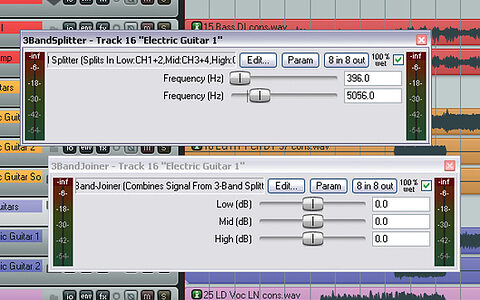
    Our very first Reaper workshop explains how to use band-splitting to create your own multi-band processors.

    Techniques Aug 2010
  • link

    Reaper Notes: Multi-Band | Files

    SOS August 2010: Split & Polish

    Here are effects chain files for some of the multi-band processing setups described in our SOS August 2010 Reaper workshop.

    Techniques Aug 2010
  • link

    Reason 5 Rundown

    Reason Notes & Techniques

    The SOS spotlight falls on the new toys offered by Reason 5 and Record 1.5.

    Techniques Aug 2010

Pages

Subscribe to RSS - DAW Software