You are here

DAW Software

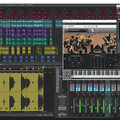
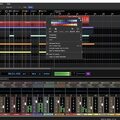
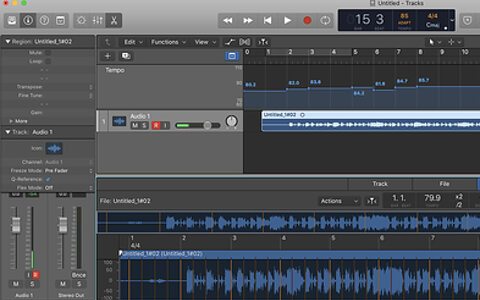
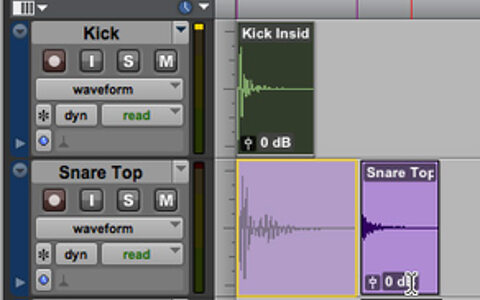
A DAW, which stands for Digital Audio Workstation, is a software tool that enables users to capture, modify, and create audio content. It is utilised in various contexts such as music production, sound design, game audio, film and TV post-production, and podcasting.

Primary uses of a DAW

The primary purposes of contemporary Digital Audio Workstation software comprise: 

Recording: All DAWs enable users to capture audio from different sources like microphones, instruments, and MIDI controllers using an Audio Interface connected to the computer.

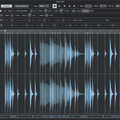
Editing:  DAWs enable users to cut, copy, paste, and rearrange sections of audio files. They also provide a range of tools for improving the quality of audio, including noise reduction, EQ, and compression.

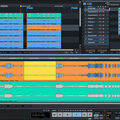
Mixing: Digital Audio Workstations enable users to blend various audio tracks, modifying volumes, positioning, and adding effects to produce a unified end result.

Mastering: Digital Audio Workstations (DAWs) provide features like loudness normalisation and EQ adjustments to ensure the final audio meets industry standards.

Advantages of utilising a Digital Audio Workstation

Efficiency: DAWs enable users to efficiently record, edit, and produce audio with ease, cutting down on time and effort when compared to traditional analogue techniques.

Flexibility: DAWs offer a wide range of tools and features that allow users to customise their audio production process and achieve the desired results.

Collaboration: Numerous DAWs provide tools that enable users to work together and collaborate on projects from different locations, simplifying the process of collaborating on audio projects such as podcasts and song creation.

Portability: Digital Audio Workstations are compatible with different devices such as desktop computers (Mac/PC) , laptops and tablets, allowing users to work on audio projects conveniently from any location.

There are many popular software DAWs, some of which come built into the Operating System of your favourite computer, such as Apple GarageBand on Macs. Sound On Sound regularly covers all the top brands in its monthly DAW Masterclasses. From Steinberg Cubase and Avid Pro Tools, PreSonus Studio One and Apple Logic Pro, MOTU Digital Performer to Ableton Live, Reason Studios Reason and Cockos Reaper, you'll find how-to techniques and tips for all of these and other DAWs collected under the sections shown above.

  • link

    Cakewalk by Bandlab

    Sonar/Cakewalk By Bandlab Tips & Techniques

    Sonar is dead, long live Cakewalk by Bandlab! We run through some of its top features.

    Techniques Jul 2018
  • link

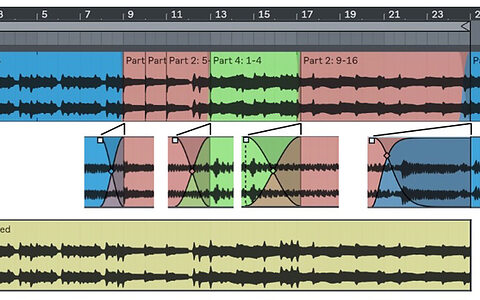
    Creative Crossfades In Ableton Live

    Ableton Live Tips & Techniques

    We see how crossfades can be used creatively and cosmetically in Live.

    Techniques Jul 2018
  • link

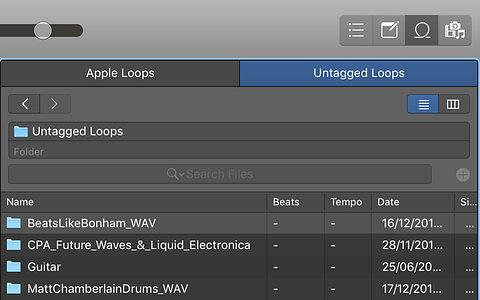
    Logic Pro X: Time-stretching To The Project Tempo

    Apple Logic Pro X Tips & Techniques

    Logic’s new Smart Tempo features can be useful when using third-party loops in your productions.

    Techniques Jul 2018
  • link

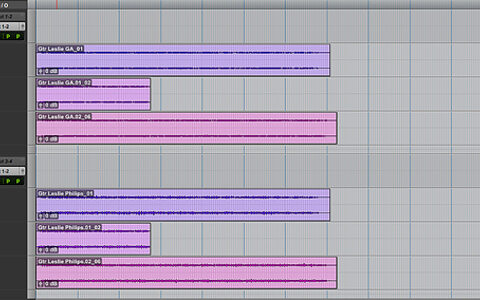
    Pro Tools: Playlist Perils

    Avid Pro Tools Tips & Techniques

    Playlists in Pro Tools are usually invaluable, but once in a while, they can trip you up.

    Techniques Jul 2018
  • link

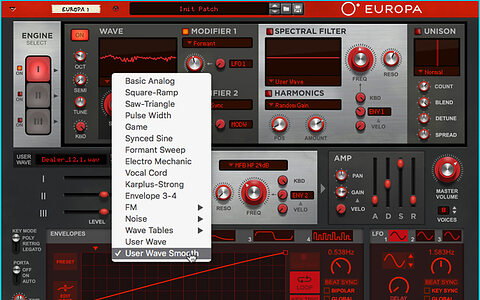
    Reason 10.1 101

    Propellerhead Reason Tips & Techniques

    The latest version of Reason introduces new Player devices and a big update for flagship synth Europa.

    Techniques Jul 2018
  • link

    Studio One: 'Heroes' Effects With FX Chains

    PreSonus Studio One Tips & Techniques

    Inspired by Tony Visconti’s famous gated room mic technique on 'Heroes', we look at how Studio One’s FX Chains can be used to set up complex dynamic effects.

    Techniques Jul 2018
  • link

    Cubase Vocals: Stacking Different Compressors

    Steinberg Cubase Tips & Techniques

    Compressing dynamic vocal parts can be tricky with one compressor — so why not try using two?

    Techniques Jul 2018
  • link

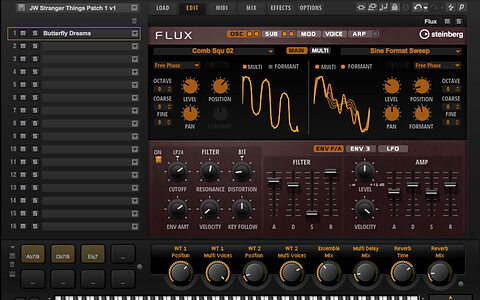
    Cubase: Flux Capacity

    Steinberg Cubase Tips & Techniques

    Looking for a new synth? Check out Cubase’s latest bundled one first!

    Techniques Jun 2018
  • link

    New Packs In Live 10

    Ableton Live Tips & Techniques

    We catch up with the new Packs in Live 10.

    Techniques Jun 2018
  • link

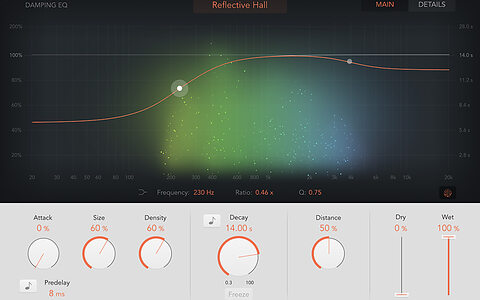
    Using ChromaVerb In Logic

    Apple Logic Pro Tips & Techniques

    Unlock the secrets of Logic Pro’s new ChromaVerb algorithmic reverb.

    Techniques Jun 2018
  • link

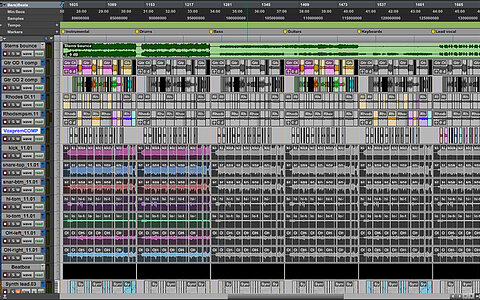
    Pro Tools: Creating Stems

    Avid Pro Tools Tips & Techniques

    We offer a relatively painless way to create stems from a large Pro Tools mix.

    Techniques Jun 2018
  • link

    Sonar: Ticket To Wide

    Sonar Tips & Techniques

    Increase the stereo width of your tracks with Mid-Sides processing in Sonar.

    Techniques Jun 2018
  • link

    Studio One: Future-proof Your Song Archives

    PreSonus Studio One Tips & Techniques

    Archiving your Studio One Songs in a future-proof format could save your life in years to come.

    Techniques Jun 2018
  • link

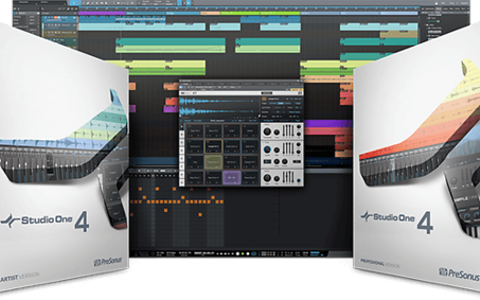
    PreSonus Studio One 4 out now

    DAW update adds Harmonic Editing, Patterns and Drum Editor

    PreSonus Studio One, the company’s capable DAW has undergone a fairly serious overhaul for version 4.

    ...

    News
  • link

    Cubase: Optimising Electric Bass

    Steinberg Cubase Tips & Techniques

    When it comes to mixing bass, sometimes more is more, and Cubase has all the tools you need...

    Techniques May 2018
  • link

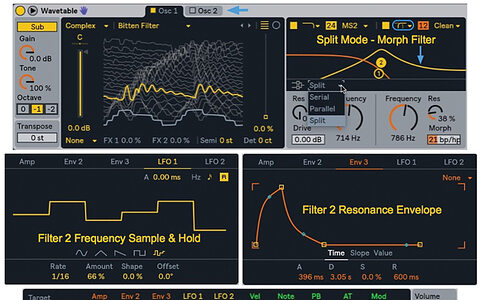
    Wavetable: Ableton's New Synth

    Ableton Live Tips & Techniques

    Take our crash course on Live 10’s new Wavetable synth.

    Techniques May 2018
  • link

    Logic's Smart Tempo: Part 1

    Apple Logic Pro Tips & Techniques

    With Smart Tempo in Logic Pro 10.4, you need no longer record to a click.

    Techniques May 2018
  • link

    Pro Tools: A Clip For A Clip

    Avid Pro Tools Tips & Techniques

    The need to substitute one clip for another arises frequently, and Pro Tools is ready to help out.

    Techniques May 2018
  • link

    Set Up Reaper's MIDI Editor For Drums

    Cockos Reaper Tips & Techniques

    Reaper’s MIDI Editor can be customised to make programming your drum parts easier. We explain how...

    Techniques May 2018
  • link

    Reason's Radical Piano

    Propellerhead Reason Tips & Techniques

    We get to grips with Reason’s aptly named Radical Piano.

    Techniques May 2018
  • link

    Sonar: The Human Touch

    Sonar Tips & Techniques

    Add a human element to your drum parts with Sonar’s various quantising options.

    Techniques May 2018

Pages

Subscribe to RSS - DAW Software