You are here

DAW Software

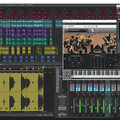
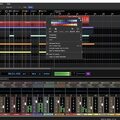
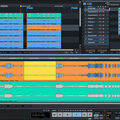
A DAW, which stands for Digital Audio Workstation, is a software tool that enables users to capture, modify, and create audio content. It is utilised in various contexts such as music production, sound design, game audio, film and TV post-production, and podcasting.

Primary uses of a DAW

The primary purposes of contemporary Digital Audio Workstation software comprise: 

Recording: All DAWs enable users to capture audio from different sources like microphones, instruments, and MIDI controllers using an Audio Interface connected to the computer.

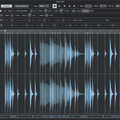
Editing:  DAWs enable users to cut, copy, paste, and rearrange sections of audio files. They also provide a range of tools for improving the quality of audio, including noise reduction, EQ, and compression.

Mixing: Digital Audio Workstations enable users to blend various audio tracks, modifying volumes, positioning, and adding effects to produce a unified end result.

Mastering: Digital Audio Workstations (DAWs) provide features like loudness normalisation and EQ adjustments to ensure the final audio meets industry standards.

Advantages of utilising a Digital Audio Workstation

Efficiency: DAWs enable users to efficiently record, edit, and produce audio with ease, cutting down on time and effort when compared to traditional analogue techniques.

Flexibility: DAWs offer a wide range of tools and features that allow users to customise their audio production process and achieve the desired results.

Collaboration: Numerous DAWs provide tools that enable users to work together and collaborate on projects from different locations, simplifying the process of collaborating on audio projects such as podcasts and song creation.

Portability: Digital Audio Workstations are compatible with different devices such as desktop computers (Mac/PC) , laptops and tablets, allowing users to work on audio projects conveniently from any location.

There are many popular software DAWs, some of which come built into the Operating System of your favourite computer, such as Apple GarageBand on Macs. Sound On Sound regularly covers all the top brands in its monthly DAW Masterclasses. From Steinberg Cubase and Avid Pro Tools, PreSonus Studio One and Apple Logic Pro, MOTU Digital Performer to Ableton Live, Reason Studios Reason and Cockos Reaper, you'll find how-to techniques and tips for all of these and other DAWs collected under the sections shown above.

  • link

    Steinberg Cubasis 2

    DAW App For iOS

    Steinberg update Cubasis 2 with real-time time-stretching and a “carefully redesigned user interface”, which amounts to a flatter, cleaner design that’s a little crisper and more pleasing to the eye than previous versions.

    Reviews Jan 2017
  • link

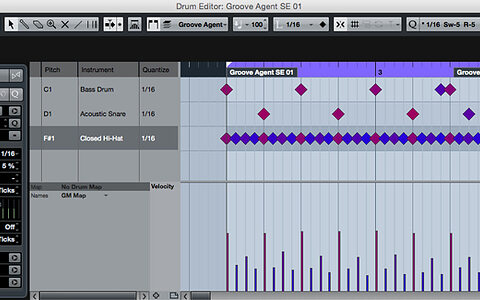
    Cubase's MIDI Drum Editor

    Cubase Tips & Techniques

    Don’t take Cubase’s dedicated MIDI Drum Editor for granted — it’s a gem!

    Techniques Jan 2017
  • link

    Recreating The BBC Echo Mixture Control

    Send & Blend

    Turn your DAW’s aux sends into wet/dry blend controls that won’t raise the overall level of your signal.

    Techniques Jan 2017
  • link

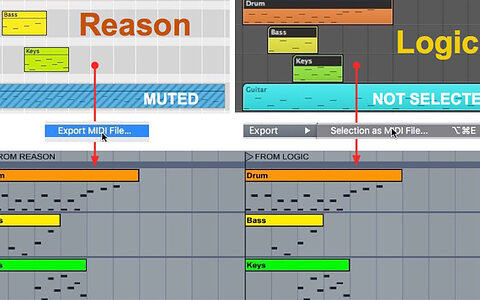
    Ableton: MIDI Files DAW To DAW

    Ableton Live Tips & Techniques

    We show you how to share MIDI files with Live.

    Techniques Jan 2017
  • link

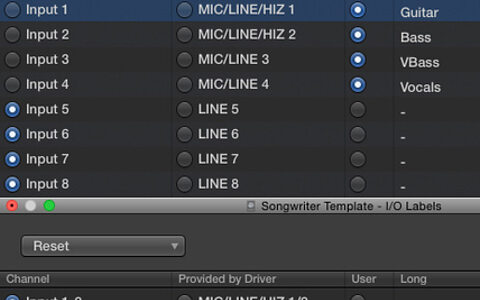
    Templates in Logic Pro

    Logic Tips & Techniques

    Set yourself up for success with custom templates in Logic Pro X.

    Techniques Jan 2017
  • link

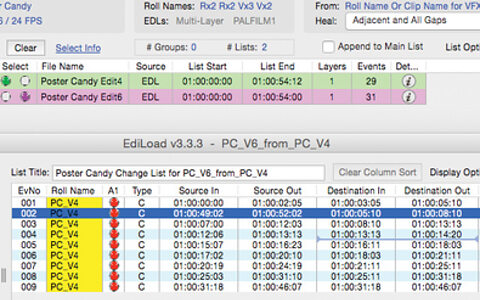
    Conforming & Re-conforming In Pro Tools

    Pro Tools Tips & Techniques

    Automated conforming and re-conforming tools for Pro Tools HD help keep audio and video together. Find out how...

    Techniques Jan 2017
  • link
    Blue Cat MB7 Mixer plug-in.

    Q. Can I split Cubase tracks into different frequency bands?

    In Ableton Live, I used to use a plug-in to split a channel so that I could do multiband processing. I’m now using Cubase Pro 8.5 and it doesn’t seem to work...

    Sound Advice Jan 2017
  • link

    Magix Samplitude Pro X3

    Digital Audio Workstation [Windows]

    With clever new tempo-mapping features and low-level Melodyne integration, time and pitch are now putty in the hands of Samplitude users!

    Reviews Jan 2017
  • link

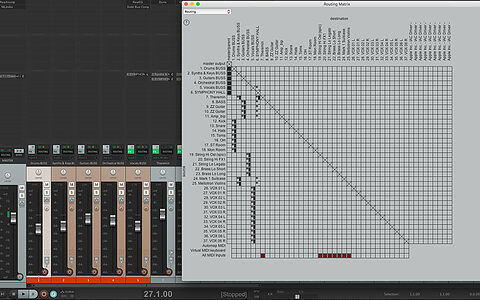
    Reaper: VCAs, Grouping and Linking

    Reaper Tips & Techniques

    How do Reaper 5’s new VCA Faders complement the existing group and linking facilities?

    Techniques Jan 2017
  • link

    Mastering In Sonar

    Sonar Tips & Techniques

    Get your tracks ready for the world with Sonar’s mastering-friendly options.

    Techniques Jan 2017
  • link

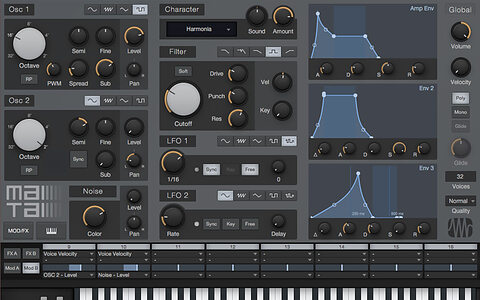
    Studio One: Mai Tai Timbral Variation

    Studio One Tips & Techniques

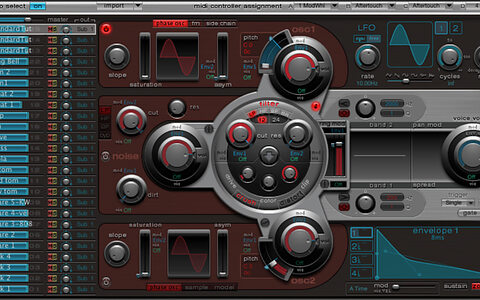
    Learn to subtly vary the tone of Studio One’s headline soft synth, and you’ll add interest to your sounds.

    Techniques Jan 2017
  • link

    Steinberg launch Cubase 9 series

    Sampler Track, Mix Console History & new EQ added

    Steinberg have today announced Cubase 9, a substantial update to their DAW. The three new versions of...

    News
  • link

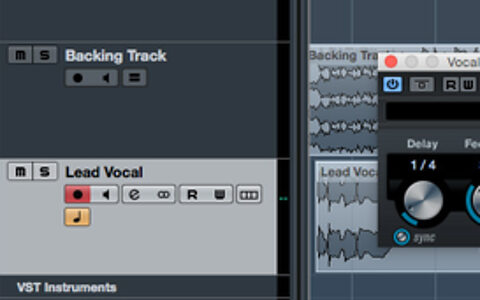
    Cubase: Vocal Delay Treatments

    Cubase Tips & Techniques

    Are delays suffocating your vocal parts? Cubase has the answers!

    Techniques Dec 2016
  • link

    Reason Players & Ableton Live

    Ableton Live Tips & Techniques

    We show you how to integrate Reason’s new Player modules with Live.

    Techniques Dec 2016
  • link

    Designing Kicks In Logic Pro X

    Logic Tips & Techniques

    Design and manipulate your own kick drums from scratch using Ultrabeat and Alchemy in Logic Pro X.

    Techniques Dec 2016
  • link

    Pro Tools: Destructive Actions

    Pro Tools Tips & Techniques

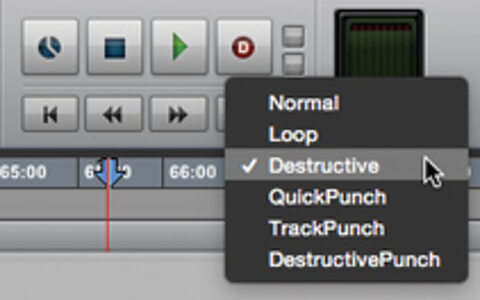
    Most Pro Tools operations are undoable — but some give you the option to commit permanently...

    Techniques Dec 2016
  • link

    Reason: Living On A Player

    Reason Tips & Techniques

    Refresh your musical mojo with Reason 9’s Players.

    Techniques Dec 2016
  • link

    Sonar's Powerful Punch Options

    Sonar Tips & Techniques

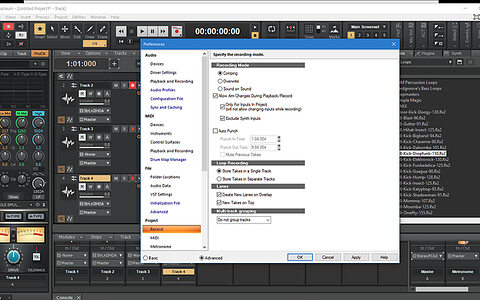
    Comping may get all the attention, but Sonar’s punch options are powerful and fast.

    Techniques Dec 2016
  • link

    Studio One: Managing Large Sessions

    Studio One Tips & Techniques

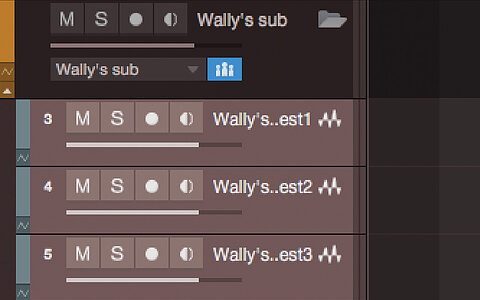
    Managing large sessions in any DAW can be tricky. Fortunately, Studio One has the tools to help.

    Techniques Dec 2016
  • link

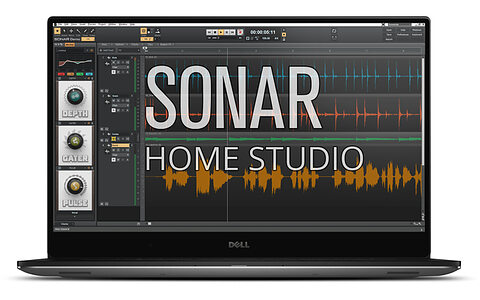
    Cakewalk announce SONAR Home Studio

    Entry-level DAW released with 'Touch' and 'Lenses' features

    Press Release: Cakewalk, dedicated to powerful and thoughtfully designed software for modern...

    News
  • link

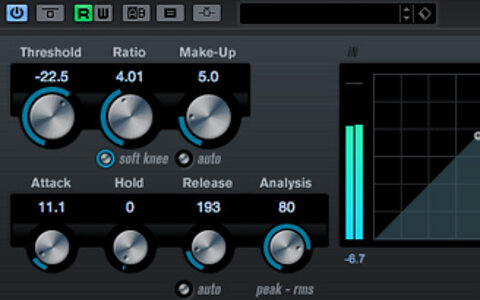
    Cubase's 'Character' Compressors

    Cubase Tips & Techniques

    Can you do ‘character’ compression with Cubase’s stock plug-ins? Let's find out...

    Techniques Nov 2016

Pages

Subscribe to RSS - DAW Software